I’m just getting into using Readlang after years of using LingQ, LR, and other tools. I’m sure I’ll have many questions, but here are a few things I’m trying to figure out:
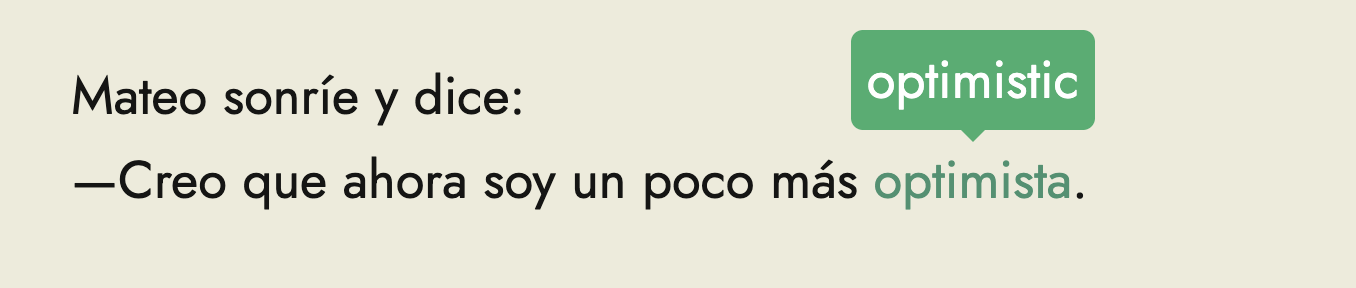
When using Readlang to read on a webpage it offers a “popover” style which I would expect gives a little popover of a transaction that can then be closed. Which is exactly what I’m looking for. However the “popover” style just replaces the word and seems no different from the replace style. Is there a true popover style? I would love something that gives you a little popup for the word and let’s you close it. That way you can quickly check a definition and go back to the source language rather than having scattered definitions on the webpage.
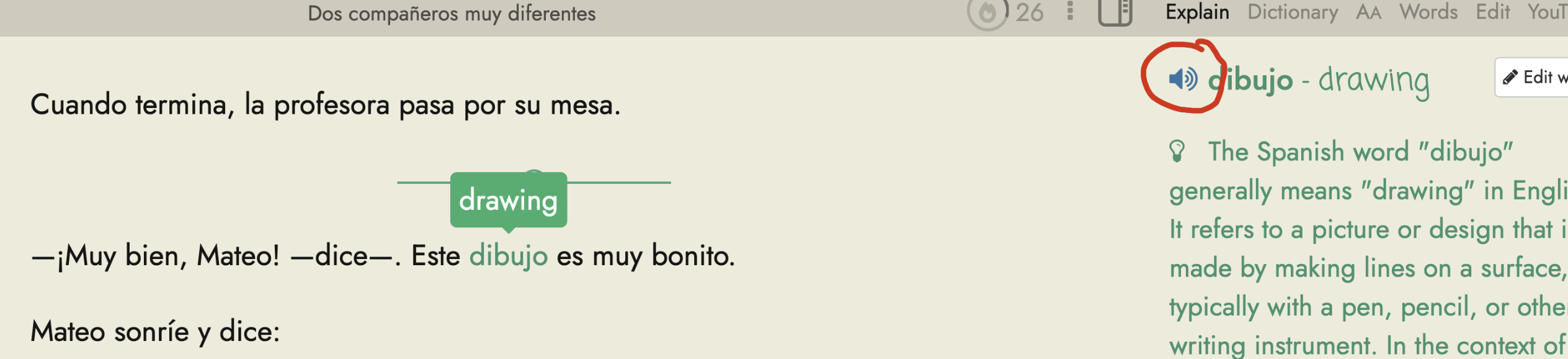
If you are reading an article and want to hear the word pronounced a second time how do you active the TTS? It looks like it only happens when the word is clicked. But clicking it again deletes it from the vocabulary list. Is there a way to have the word spoken again?
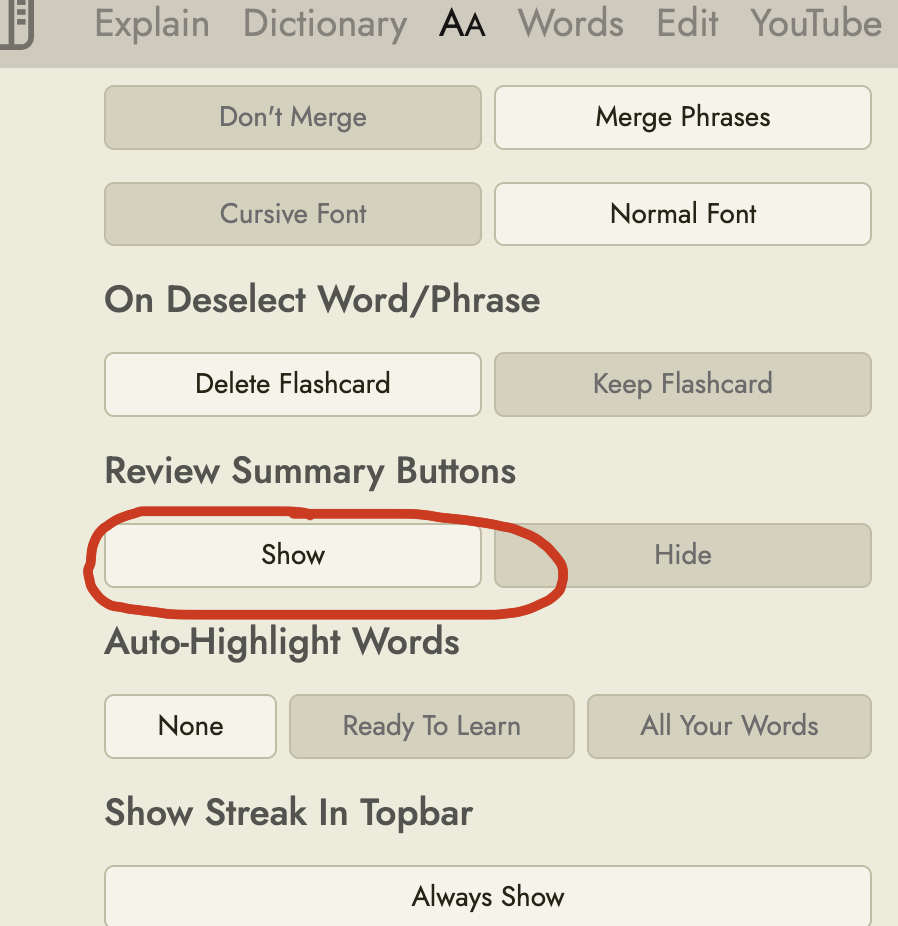
Finally I don’t see the option for Review Summary Buttons when I try to configure the reader? This would be an amazing feature on difficult texts.
Couple of answers. To hear TTS again, you can find a speaker button on the Explain tab. If it’s a new word you should see it on the Words tab as well.
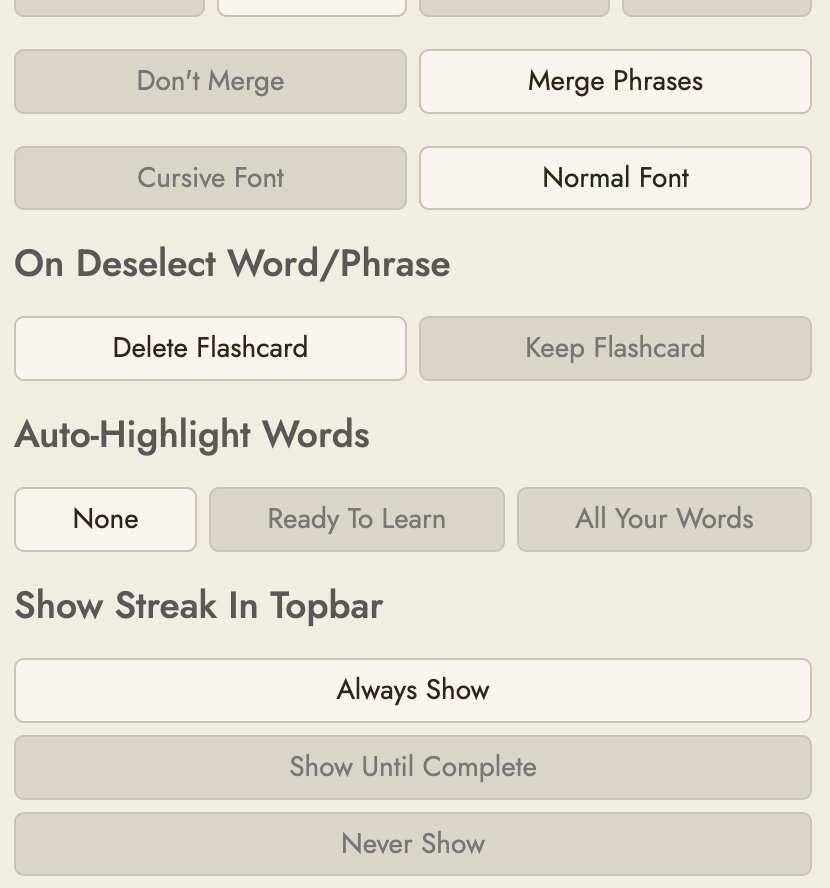
Clicking a word a second time to delete it is an option that you can turn off in the Aa tab. It’s called “On Deselect Word/Phrase.”
I’m not familiar with the term Review Summary Buttons. If you finish a text (and aren’t asked to thumb it up or down) there’s a “Practice Flashcards” option whose behavior I think you can also emulate from the Word List tab (outside the text reader) by selecting the text from the list on the left side.
Thank you, but my question is about using Readlang on a web page, not using the reader web app. I don’t see any explain button? Is there an option for that on a web page?
Thank you, but I still have my original questions.
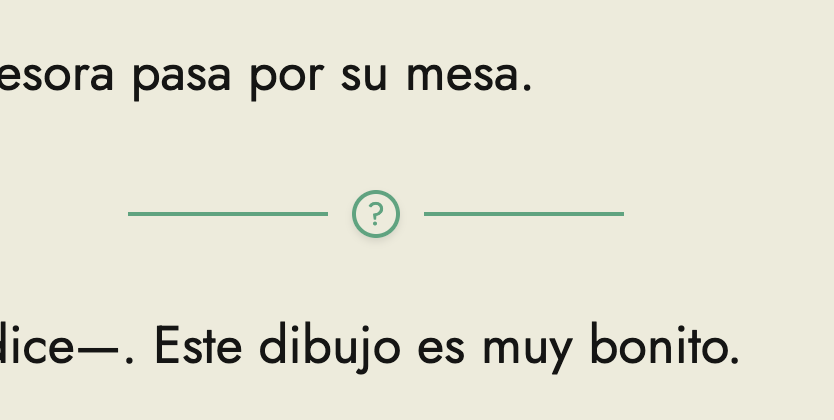
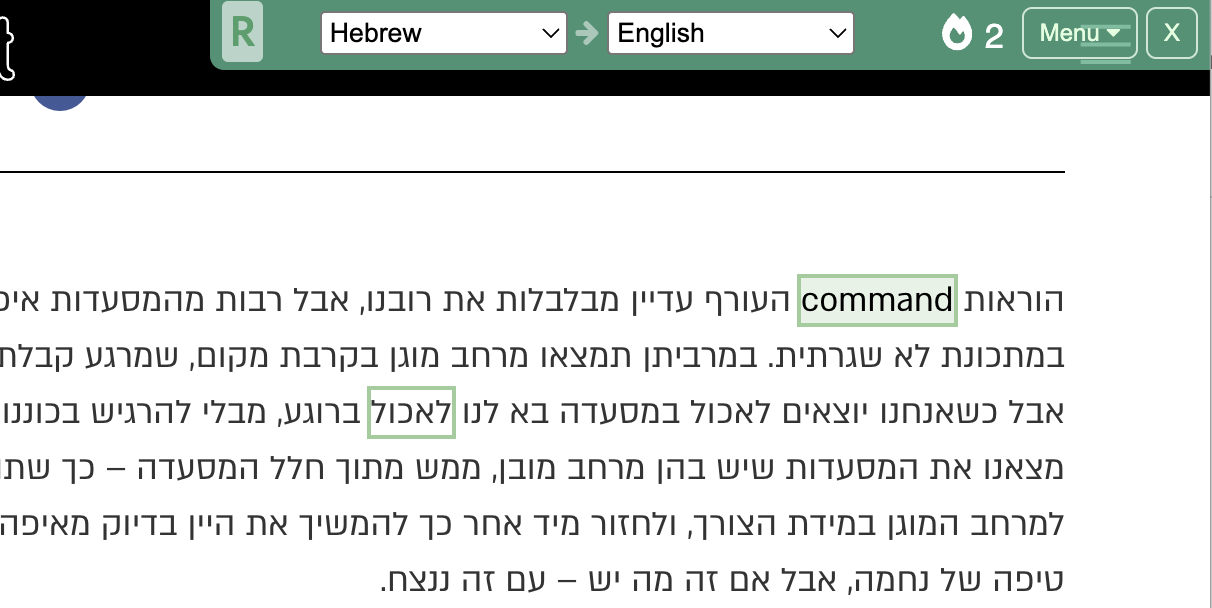
Is there a way to repeat the audio when reading a web page? I understand the answer is using the “explain” sidebar but how do I do that on a web page? For example this is all I see:
And as you can see in this screen shot it still does not show the popup, it replaces the word. An explain sidebar could be very helpful when reading a webpage, but I do not see any way to access it.
It would be amazing to have an option for the hover to be able to show and hide itself with the mouse the way Language Reactor handles it with subtitles rather than stay on the page.
Ah, to see the popover style in the chrome extension, you’ll need to wait for an update next week I’m afraid. I need to wait for Google to approve it. I recommend the Highlight style in the meantime.
Maybe. In designing this I was partly thinking about mobile where you can’t hover and partly thinking that if we are saving all these words then it’s good to be a bit more intentional about it than just hovering. And you can click a second time to remove the highlight if you want (and whether the word will be deleted from your account will depend on this setting: Delete Flashcards While Reading - Readlang Blog)
Is this a YouTube video by any chance? That feature is not currently available for YouTube videos.