want to be able to mark words in a book while reading — specifically, to underline words that I don’t know or want to pay attention to. I want those underlined words to be collected and saved in a list, so later I can see all the unknown words from that book in order, like a vocabulary list. Is it possible to do this?
If I understand you correctly, then this is exactly what Readlang is meant to help with!
While reading a text in Readlang you can click on words to translate them, and then you can see all words you clicked on from a specific text by going to the Word List tab, then clicking the relevant text from the list of texts on the left hand side of the screen to show only words from that text. (Texts only appear in this list once they have 6 or more saved words, and the list itself only appears on desktop sized screens, on mobile there isn’t enough screen space.)
If you want to export a list of words from a specific text, you can filter by that text as described above, then click the checkbox to the left of the Actions button to select all of the words on the page, followed by the “Select all XXXX words” option which will appear if there are more words that will fit on a single page. Then select Actions → Export to export the words to a text file.
1 Like
The text is unclear for me to read, I don’t know how to nicely organize it so that on one side is German and on the other side is my native language. As it is now, it’s completely complicated. I don’t know where I could use such a large database of words — everything is somehow scattered around.
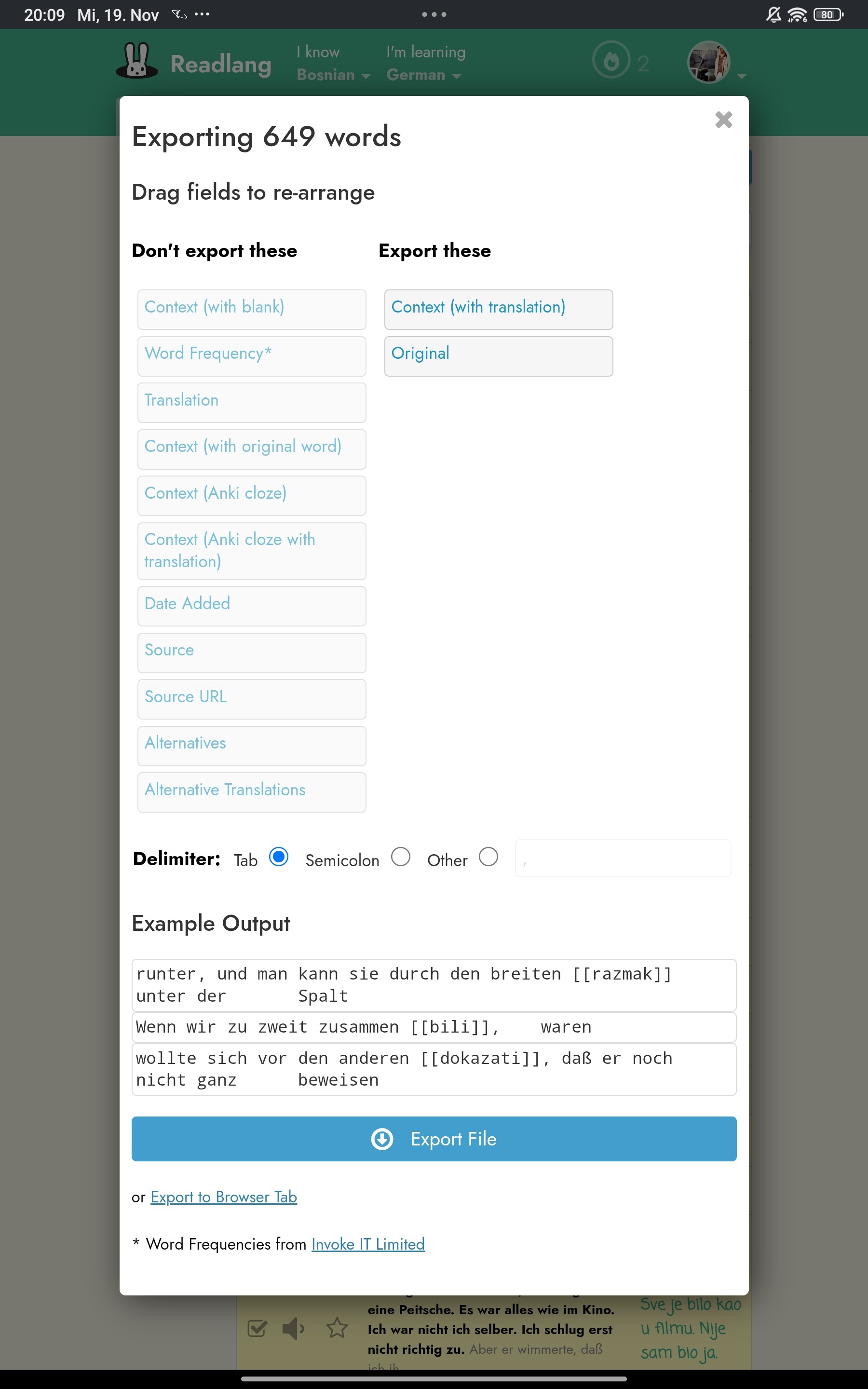
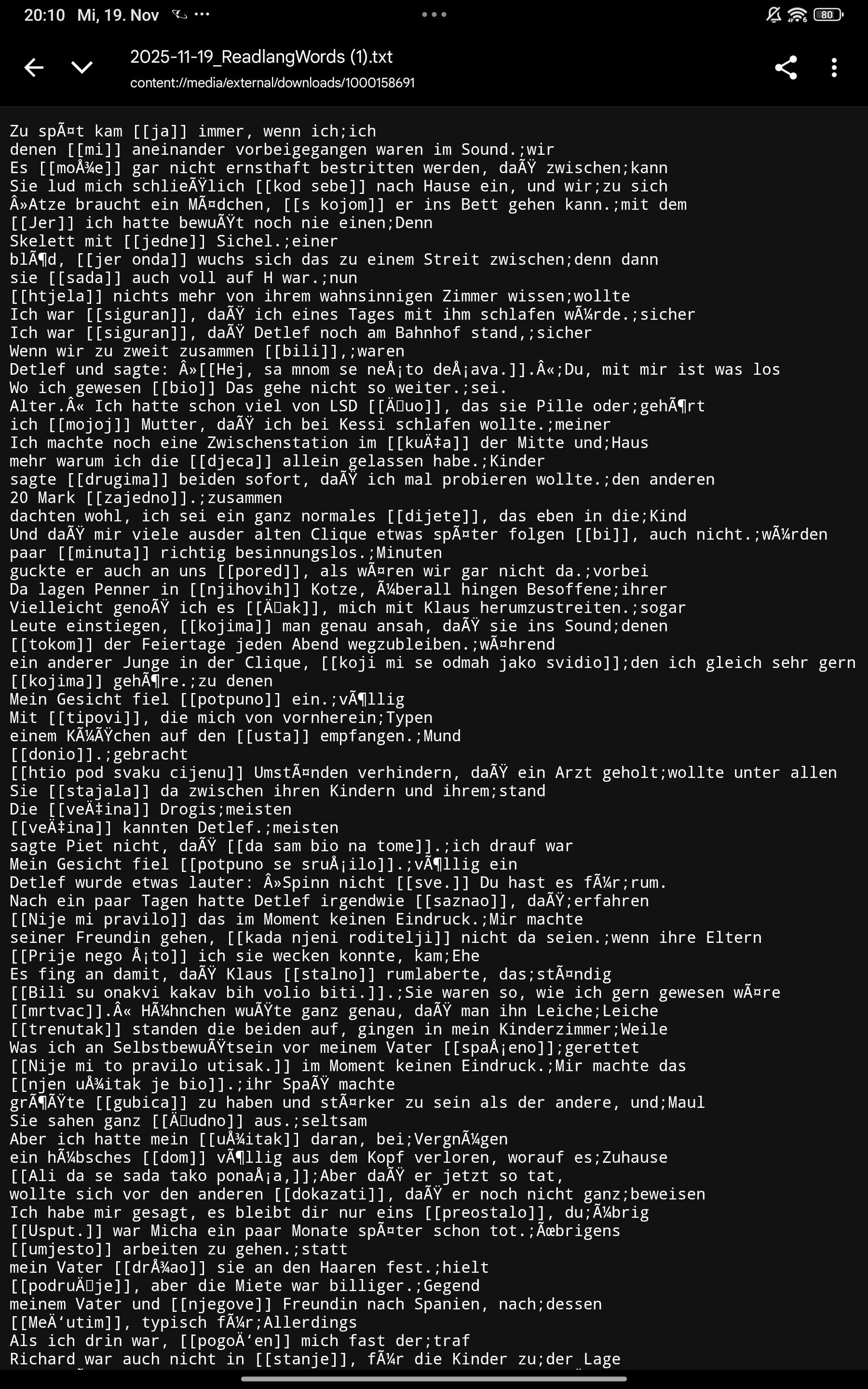
I see. It’s true that this export format is more suitable for being imported into another learning system, or perhaps a spreadsheet, rather than being used directly. What kind of export format would you like to have?
1 Like
It’s all the same to me, as long as I can read it easily and it’s organized in some systematic way, something that is supported on phones and tablets.
In what way(s) would you like the exported list to be different to the current list displayed within the Words tab:
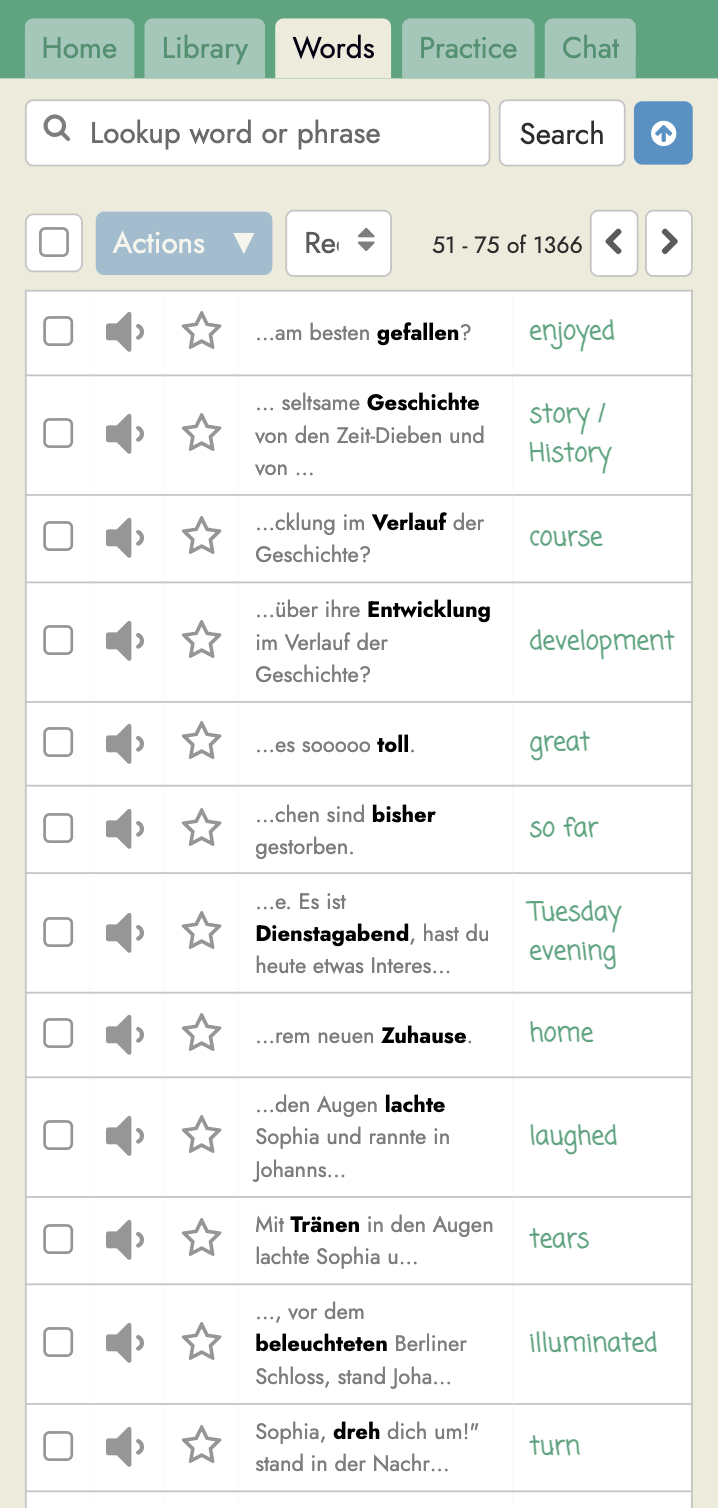
yes, of course  it will be great
or something like Karteikarten
When can u fix that, best regards. 
Steve posted a picture of the current view. Are you saying you want to download something that looks like screenshots of the Words tab?
I extracted a collection of words from this program, looked at it again, and it’s all more or less mixed up without any particular order. It would be great if it could be transferred to some flashcard application for practice, or arranged so that on one side there are the German words—for example, on the left—and on the right side the words in my native language. One word per line.
I do think it’s important to learn words within context, which is why Readlang always stores the sentence you translated each word in, and not just a single word translation.
You can export to Anki, a popular flashcard app, as explained here: Exporting flashcards to Anki
Or you can use Readlang’s own different practice session from within the Practice tab.
1 Like
thanks you so much 

A small suggestion: in the picture where I put the dot, for some words you can click and see different examples of how the word is used, but for some words there aren’t any, even though the text contains many such examples. Could you make it so that every word mentioned in the text has examples like that? I’m not saying you need 100 examples, but maybe around 10 different instances where the word appears, so that it’s easier to learn through such examples. I think that’s an excellent method for learning.
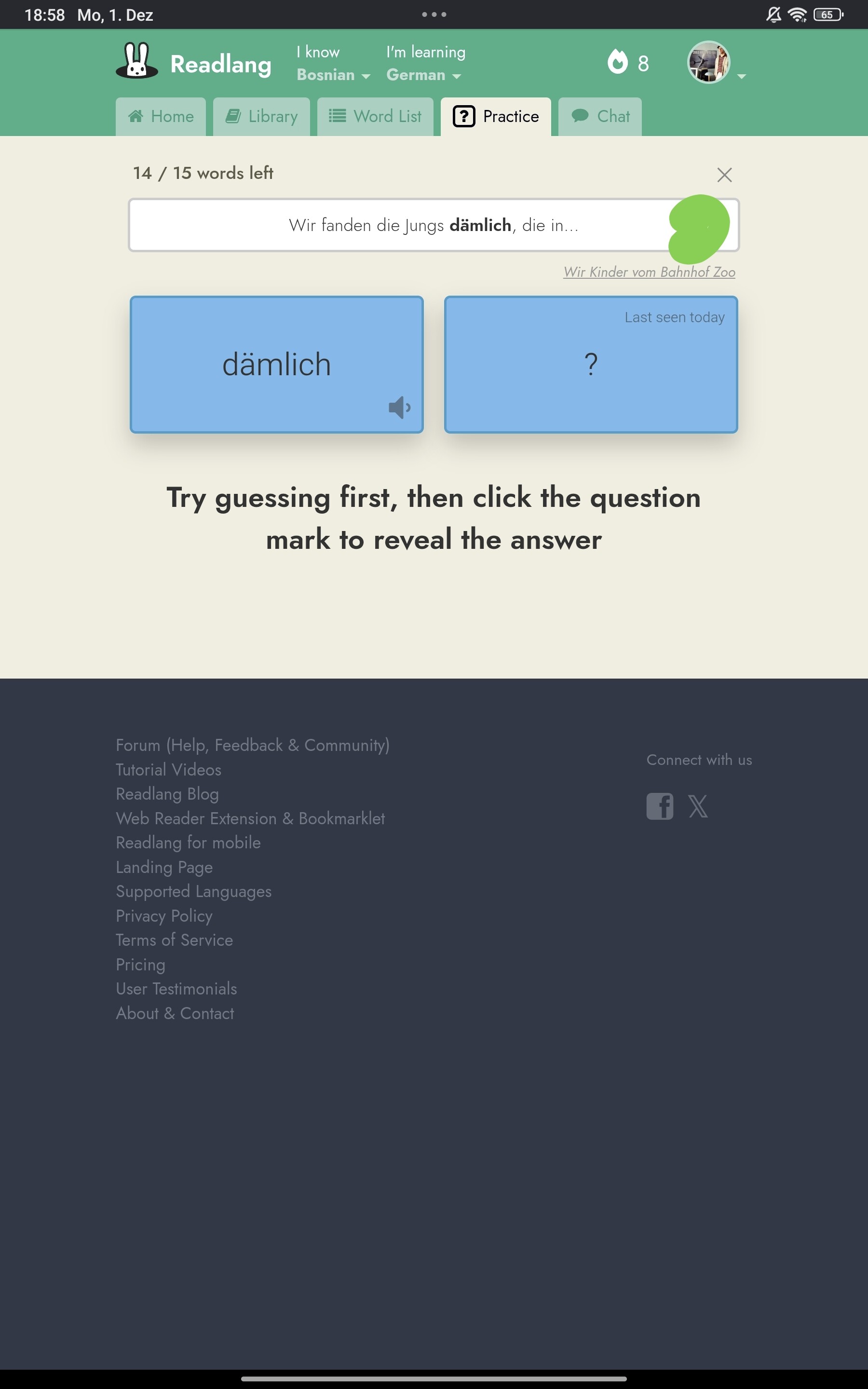
Just to clarify: the way this works right now is that alternative examples will appear here only if you’ve clicked to translate that same word/phrase in multiple contexts.
It could indeed be interesting to grab all the places that the word/phrase is used in the texts you’re reading or even more widely. Suggestion noted, but no promises since this would be quite a departure from how it currently works.
For example, above it shows where this word is mentioned, and I really like that. But wouldn’t it be better if we could click somewhere on the side and see more sentences where this example appears, so we can understand it better? Sometimes this option exists, and sometimes it doesn’t—for some examples, like here, it appears only in this one example.
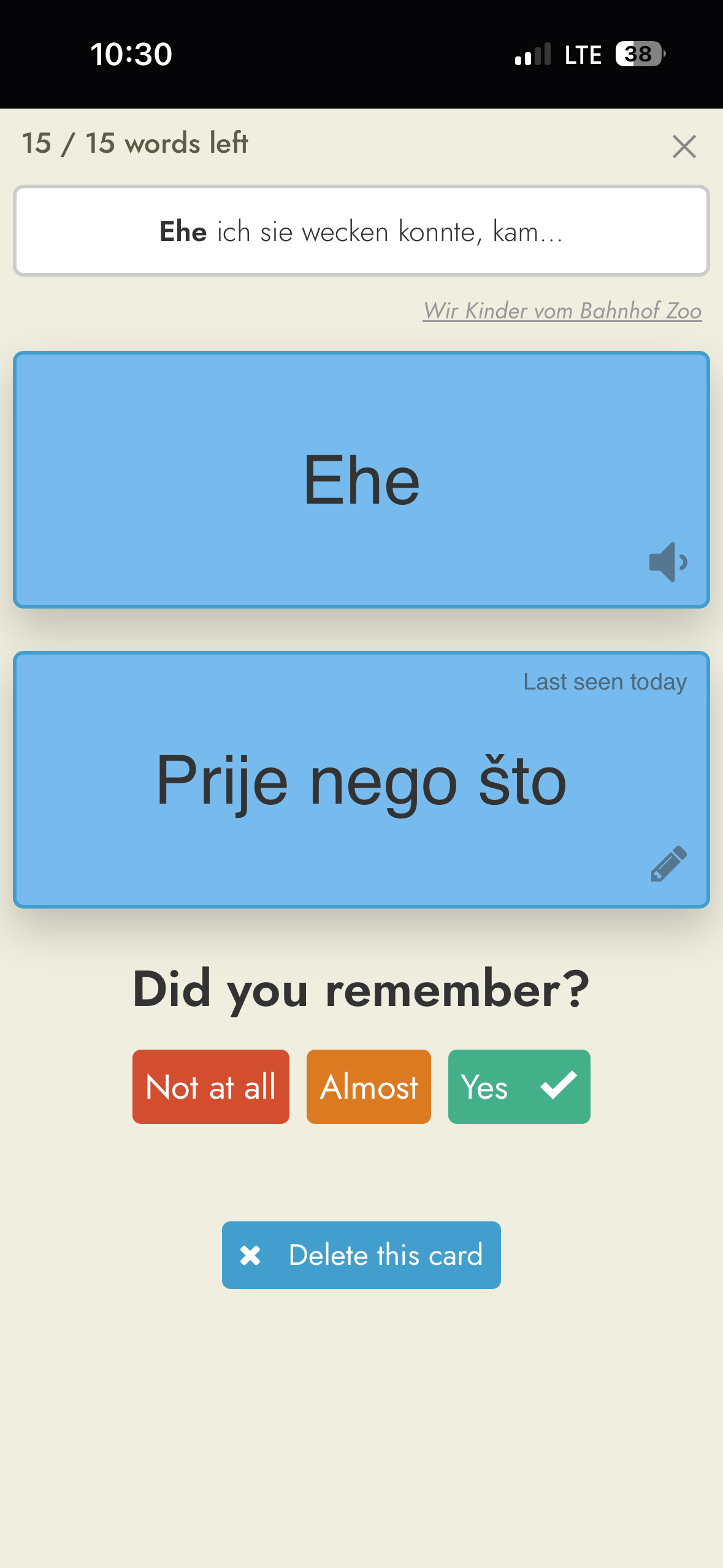
This is what I’m talking about — here there is, for example, one item. Could it be done so that each word has more examples like that?
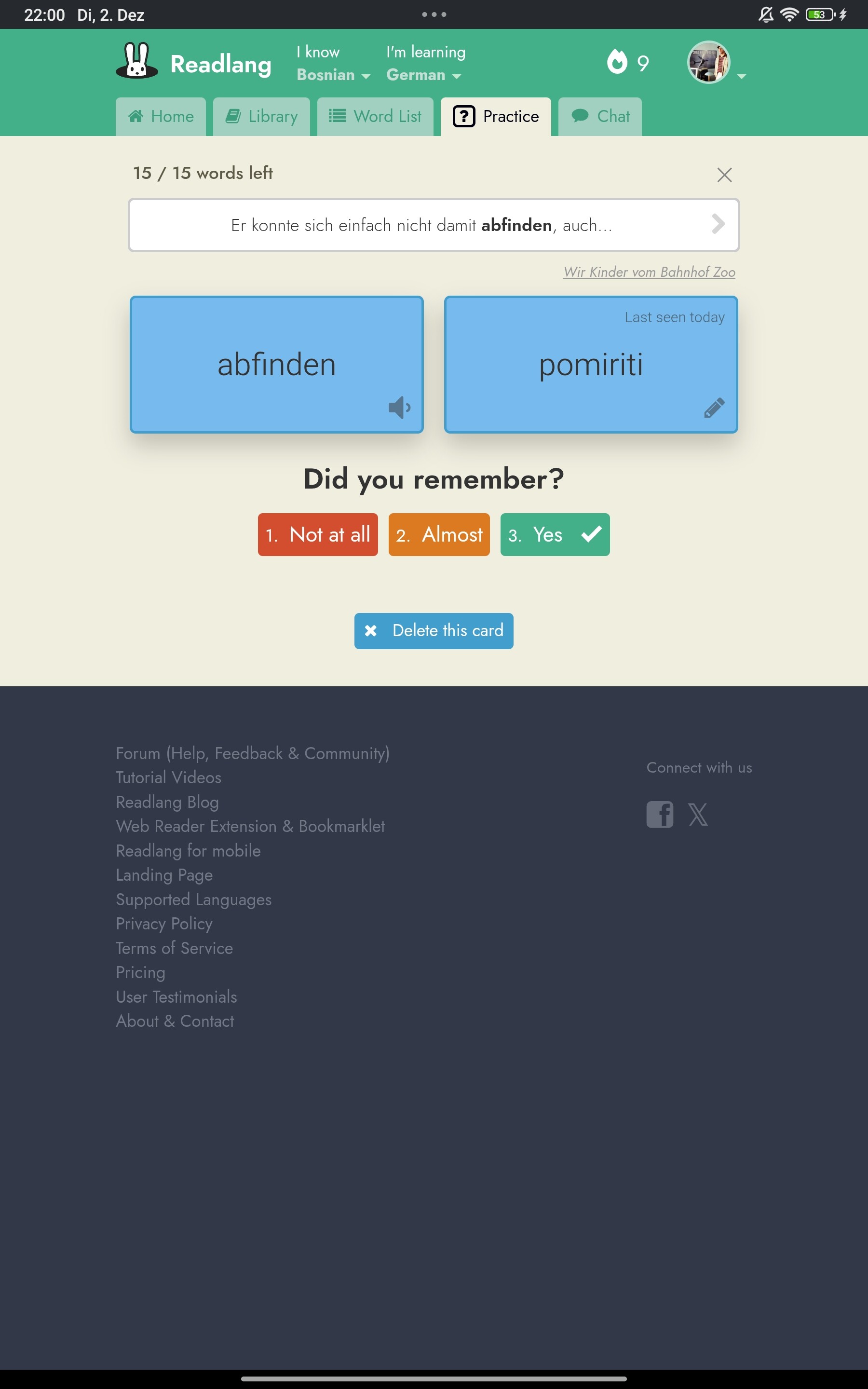
I understand. To repeat what I said before: these additional context will appear if you translate the same word/phrase in different contexts. So you are in control of this. I get that you want these auto-populated and I’ll take that suggestion on board, but no promises.