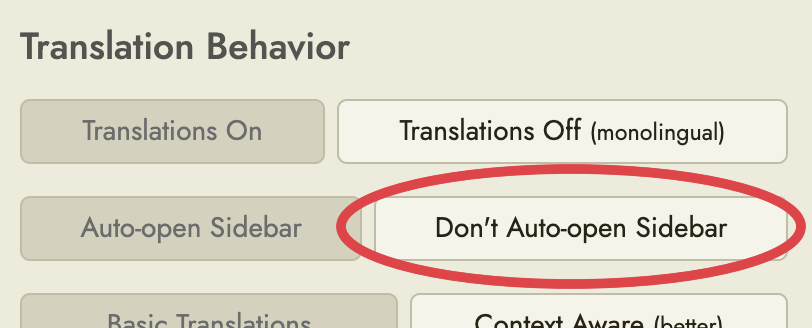
Request: Option to turn off Dictionary/Explain Tab Auto Open
When I’m in monolingual mode, I don’t want my screen to always open up the dictionary or explain tab every time I highlight a word. I read mostly on Android handheld device, so the side bar tab takes up the whole screen and is a nuisance when I just want to read and highlight words to study later.
I love Readlang, but this one thing bugs the crap out of me lol. Thanks!