Hello!
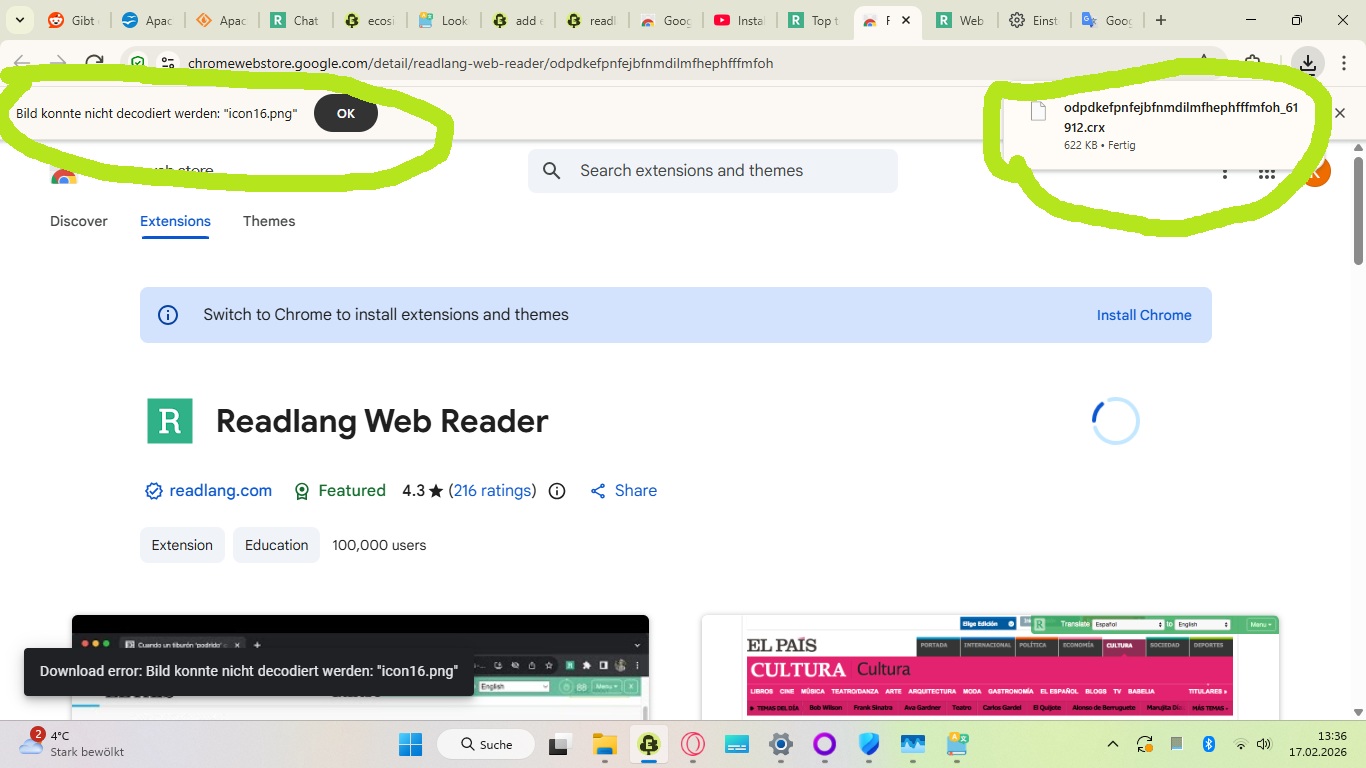
I’m trying to download the integrated web browser extension on a newly purchased laptop. I’m getting a strange bug though. See the attached screenshot.
A .crx file is downloaded, but when I click on it the browser automatically deletes the file, and a pop-up appears that says “Image can’t be decoded ‘icon16.png’”
I’m using the most recent version of Windows 11 Home, and the most updated version of the Ecosia browser (because Chrome has become such a RAM hog, I would really prefer to avoid using that if I can).
Does anyone have any ideas what might be causing this? Security settings? New version of the browser not being compatible? Something else?