Boox finally shipped the Note Max. This will be my main reading device until the next one comes along. The size is perfect for Readlang. Even with the sidebar open, I sill have a page worth of text available. The super refresh technology makes it smooth. The contrast is very good on this Carta 1300 display and the background is very white, unless I’m using it on Readlang. The current background lowers the contrast of this great screen.
This is the pefect device to read books in electronic form. It’s virtually indistinguishable from paper, but Readlang detracts for it. It used to be that the hardware was the constraint. In this case, that’s no longer the case.
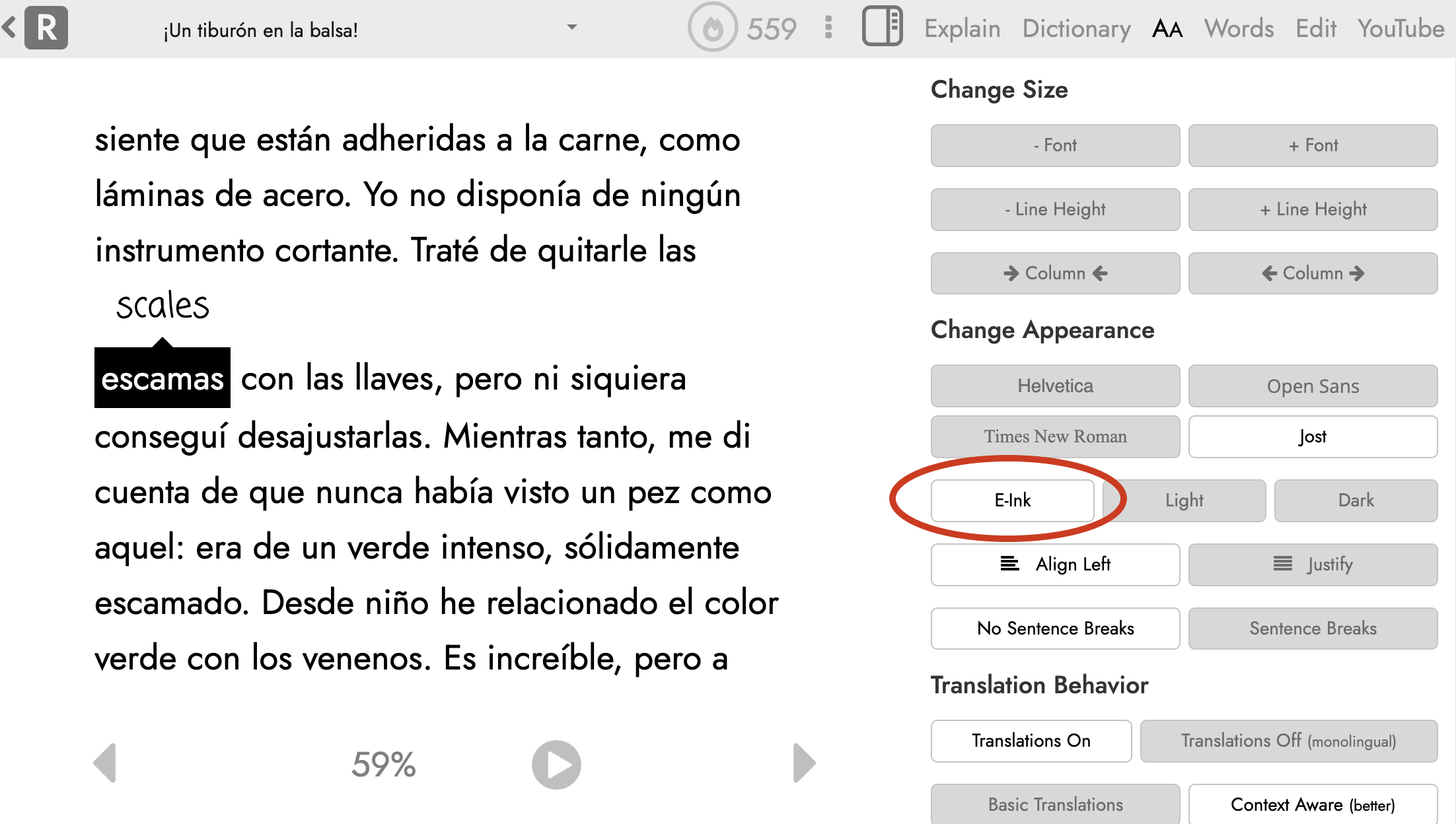
Can you please add a pure white background? That would be the best option for for all e-ink devices. For Flashcards as well. I also have a Book Palma 2 and ocasionally do flashcards on that when on the go.
This only applies to the reader page and makes the main text the highest possible contrast: pure black text on a pure white background. It’s very likely that there are certain UI elements I’ve missed and now look out of place in this new color scheme. If you notice anything like this or have other feedback, please let me know!
It has a good screen resolution 300 dpi, and it’s big and can run any android app, browser etc, battery is good and ghosting is decent. I think it’s comparable with paperwhite but the advantage is size and the fact that you can have any app on it. On readlang I read through the browser.
How is your experience to date with the Max? I was considering getting it, but I see lots of complaints online about unacceptable ghosting? Now I am looking a the 10,3 GO II Lumi from Boox as an albeit smaller alternative. Very interested to hear how your Max is holding up for you.