I use the “Don’t Merge” mode. I was surprised to find that, for example, if I see “la hermosa ciudad,” and first click “hermosa,” then click “ciudad,” and finally click-drag “hermosa ciudad” to check whether this is some sort of set phrase, it causes the word entries for “hermosa” and “ciudad” to be deleted. That behavior doesn’t make sense to me, at least because I might be wrong in guessing that it’s a set phrase. But even if I was right, I don’t see why I wouldn’t still want glosses for the two separate words.
Is it perhaps a bug?
Also, using auto-highlight modes, if I ensure that word entries exist for “hermosa” and “ciudad,” as well as for the combined “hermosa ciudad” entry, then across different texts that both contain the term “la hermosa ciudad,” I see a lot of inconsistency in whether the combined phrase “hermosa ciudad,” or the single word I happened to click, are offered by the context dialog box. I am not sure what governs this. In general it seems that I can force a change in what is displayed by switching back or forth between auto-highlight of “All Your Words” vs “Ready To Learn” words. (Note that all three word entries were created at about the same time and were never practiced or recalled.)
This behavior comes from a time when only the “Merge Phrases” mode existed. It made sense since it fixed a problem where you’d end up with many duplicated words and phrase fragments within the same context sentence and it felt very messy. Deleting the old inner words and phrases when you combine them fixed that.
Even in the case if your example in “Don’t Merge” mode, I get that you may be just checking whether it could have a different meaning as a phrase but it still seems messy to me to retain all three: “hermosa”, “ciudad”, and “hermosa ciudad”. It’s not completely clear what the best solution is and I’m inclined to leave it as it is for now. I imagine that if you join them to form “hermosa ciudad” and then decide that they are better as separate translations, it might make sense to click to remove the translation of “hermosa ciudad”, then re-click the separate words to get the two translations back in your account. I think it would be very rarely that you’d want to keep both the individual words and the combined phrase.
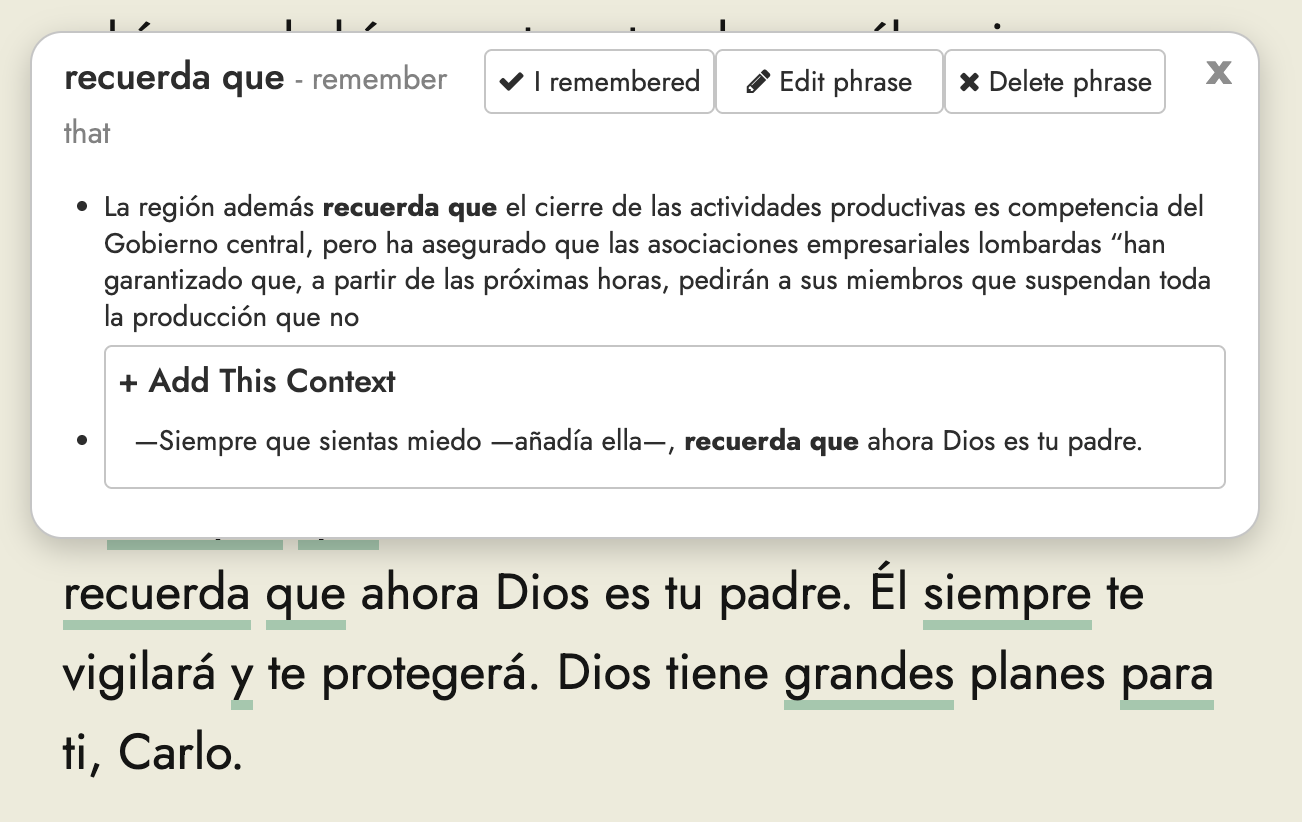
That is mean to display all the words and phrases containing the word you just tapped/clicked. If there’s a difference between what shows up for “All Your Words” vs “Ready To Learn” that is expected only in the case where one of the words/phrases is currently scheduled for future practice and is therefore not yet ready to learn. If you think this is not working correctly please provide more information, ideally with a screenshot or two to illustrate the issue.
Hi Steve, I’m having trouble creating a complex reproducible scenario but here’s a simple one that doesn’t depend on phrases.
Use “All Your Words” auto-highlight mode, “Don’t Merge,” and “Keep Flashcard” modes.
Create two duplicate texts.
Open the first text. Click a random word (a new one, not underlined). This creates the word.
Leave text 1 and open text 2. The word I clicked is not underlined here. Why is that? That makes me think I’ve never seen it.
I don’t think it’s deliberate behavior because in more complex scenarios (with phrases) the outcomes are less consistent. Exiting and reentering the two texts can change what you see.
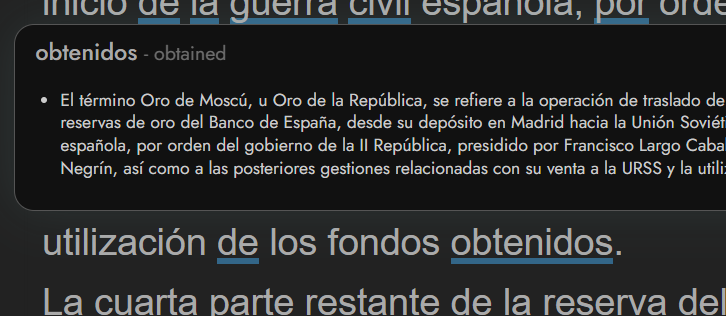
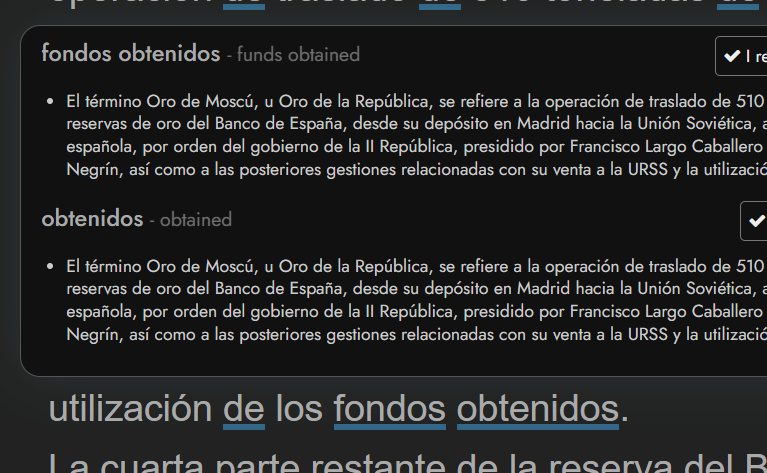
Regarding your screenshot of the context dialog, I like the behavior that when both individual terms and the phrase are all words in your list, then you get options, as pictured below (at bottom). However I find it’s inconsistent that you will actually get both options (or if anything will be underlined in the text at all, for you to click on). See first picture where only the second word obtained an underline and no phrase is offered.
In the scenario I am discussing, the user knows they use “Don’t Merge” mode, and clicks both words independently, which would seem to mean that they didn’t recognize either word. Neither the user (in advance) nor the system (afterwards) can confirm whether it’s correct to call it a phrase. So the advantage to deleting the original words is just to remove the mess rather arbitrarily, which is in any case a mess the user created by clicking three times, and can expect to have.
I think it is more disturbing to encounter words in another text that I swear I’ve clicked before, but perhaps that issue is related in large part to my post above.
In this “I clicked three times” situation, I don’t agree. The least likely situation is that it’s the phrase alone that should stay. The individual words usually have some meaning independent of the specific phrase, and I would want to keep track of them. (Phrases also stand out like a sore thumb in multiple choice flashcards.)