Peculiar encoding error in web UI (Chrome)

I’m seeing a couple of weird little squares while using Readlang in Chrome. See screenshot, top left and top right:

image

Clicking the square off to the right shows it to be the 3 “settings” dot menu. Looks fine in Firefox. I haven’t messed with text encoding being used in Chrome. It is up to date (version 144.0.7559.97, 64 bit).
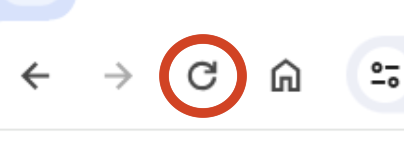
There was a bug live for a bit last week causing this. If it’s still happening for you please do a hard refresh of the page by holding down the SHIFT key on your keyboard and clicking the reload button to the left of the address bar:

If you still get this issue, please let me know.