I tried to share some texts on Readlang with my students via platform VOXI. They complained about having no sound while sharing the tab with them. I use Google Chrome as it was recommended to me.
For troubleshooting purposes it would be good to know whether your students can hear other websites over VOXI, such as if you type something into Google Translate and hit the “Listen” button to play the TTS.
It works on the other websites I use well; for example News in Levels, etc. The students can hear the shared sound clearly. I always check if the sharing sound button is on. It’s strange, but I believe there is a solution. Of course, it may take some time to detect the problem and I’m ok with that.
I also reported this issue to the technical support of a company I work for.
Sorry about this. I looked into it and it seems that Chrome doesn’t include speech audio generated within the browser in it’s tab-audio capture, so it won’t work with VOXI. What should work with VOXI is to try the high quality voices which are generated on a server instead of within the Chrome browser. I’ve just applied a free month of Premium Plus to your account so that you have access to the high quality voices in the Read Aloud feature. Please select one of the high quality voice for Read Aloud within the Settings tab and please let me know if that works for you:
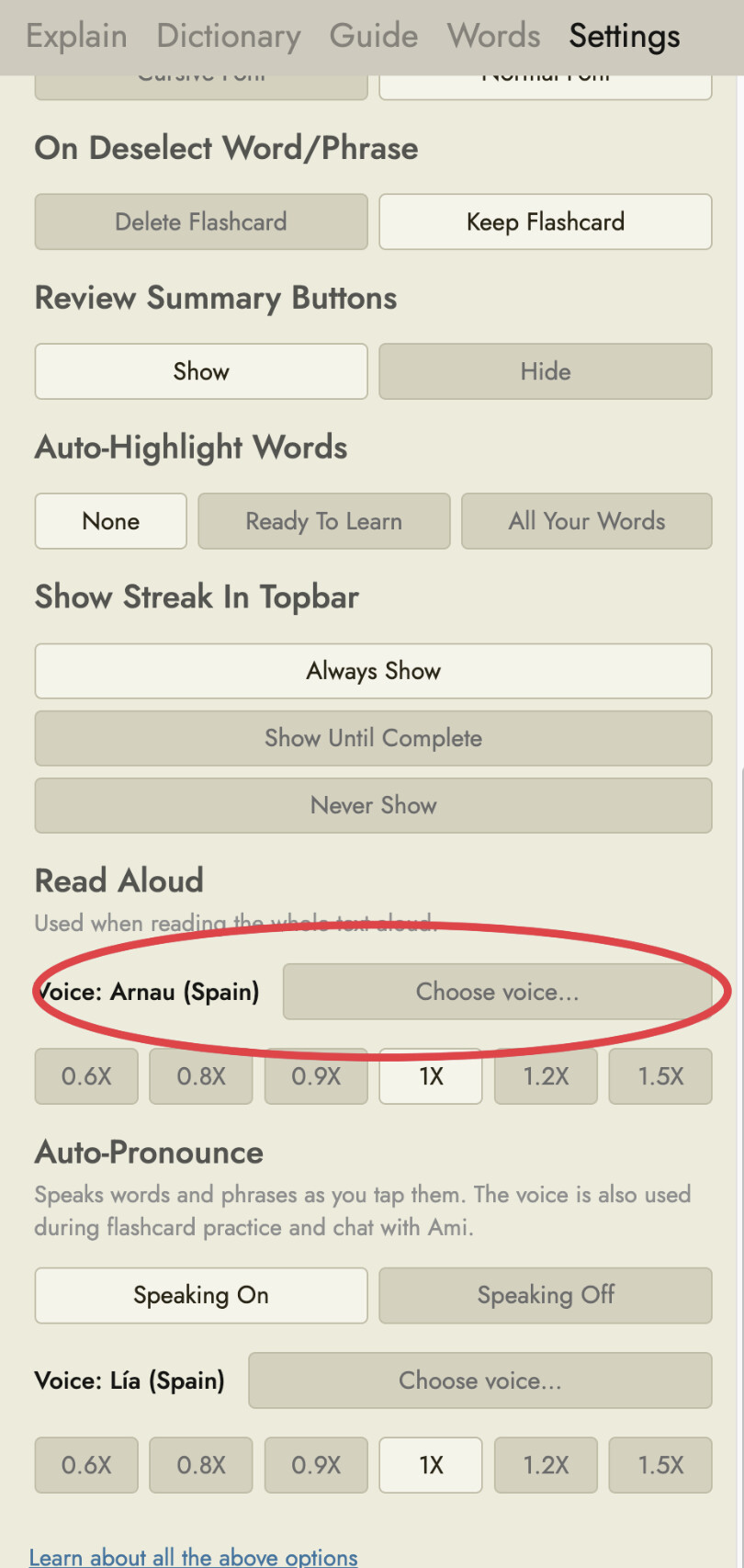
Thank you very much, Steve; I appreciate it a lot. I will definitely try it. I have Readlang installed on my computer as an application, and I believe it would work well on VOXI. However, there is another problem on VOXI that they are still failing to fix. There is no sound if I share my screen with students. It only works if a Chrome tab is shared. I hope the technicians manage to fix that bug soon, and I will be able to please people with sound on VOXI directly from my computer while having an online lesson.
After that change, a student of mine told me that she could hear the sound, which is great.
1 Like