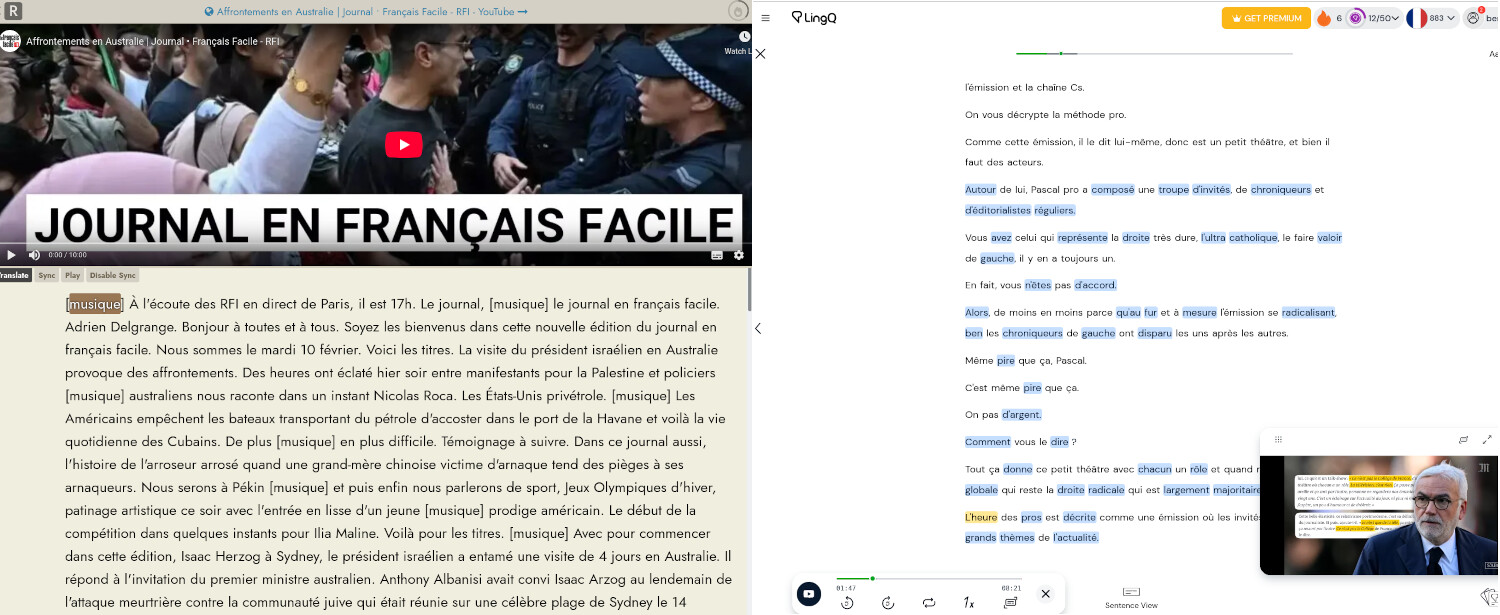
When I import a YouTube video into Readlang, the transcript appears as one long paragraph with no line breaks. This makes it difficult to follow along because it’s all in one big block of text.
When I import a video into LingQ, it splits out the transcript into distinct lines that makes it easier to read.
I have attached a screenshot showing the difference.
One other useful thing I found, aside from using AI to add paragraph breaks, is that you can press the “Aa” and change the formatting from “No sentence breaks” to “Sentence breaks”. That way you at least get a new line for each sentence (however there is no gap between the lines).