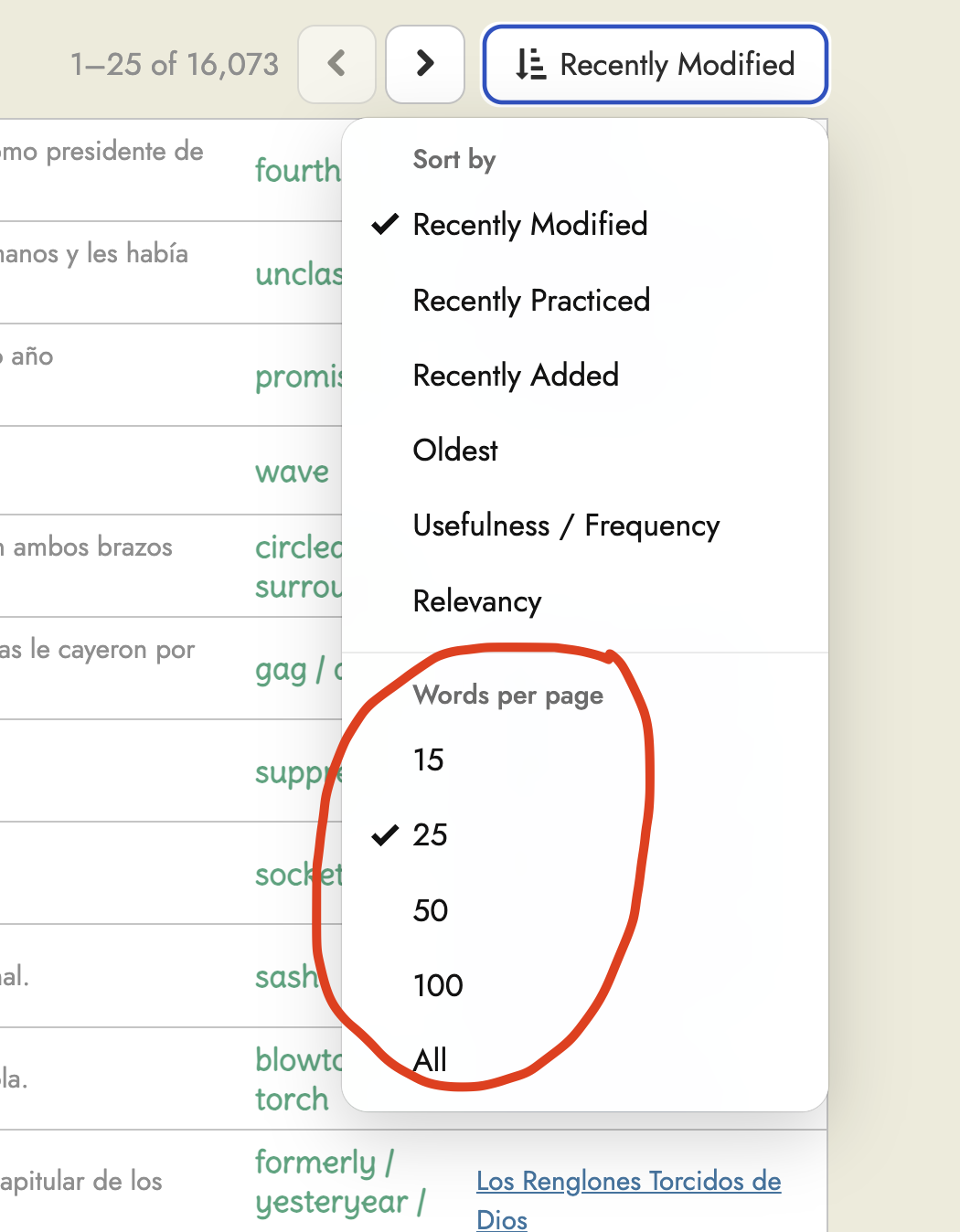
I want to use the limited scroll.
2 Likes
Could you please elaborate on why you’d prefer the limited scroll.
When I study vocabulary every day, I can immediately go to the exact page of previously learned vocabulary that I need to review and continue where I left off yesterday, making it more convenient and faster than reviewing with flashcards.
What are the advantages of unlimited scroll? Whenever I see it I always guess the point of it is to make it impossible to see everything. (Of course, the readlang word list isn’t a social media feed, so I probably won’t run out of RAM in the attempt.)
I usually use the List View to study rather than flashcards. It only shows 25 vocabulary words at a time, so I can easily recall them page by page without feeling like I have to review too many old words. Please bring it back 
Studying from the word list is a good idea! Just tried it out and loved the experience, especially how the context opens up below when we click on the sentence. I can see why you’d want to segment the words, although personally I found the infinite scroll useful to blitz quickly through the list.
@nam-hoang doesn’t the page number change when you learn new words, or add new words? Or, you don’t use flashcards at all?