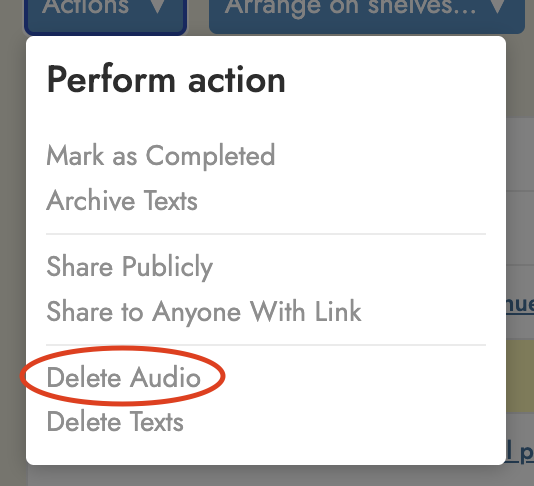
This is really a big thank you to Steve, because in three moves he has answered my prayers in regard to audio files. First, by adding “Delete audio” to the three dots menu, and increasing the audio allowance. Second, by allowing m4a, very useful for Notebook LM podcasts.
And now by adding categories to the “To read” and “Completed” lists. At least I think it’s “now”; I never noticed this before yesterday. Even better, if you click on “Type” a little arrow apoears, and you can list Type alphabetically, bringing all the audio files to the top.
The only thing I would suggest now is that “Delete audio” be added to the “Actions” menu, to avoid having to open each file individually. But that’s a minor issue.
Anyway, thanks a lot, Steve. This has made things a lot easier.