Hi, I’d like to download stories from this library. Is that possible? Thank you
This isn’t a supported feature. There is a way to get the plain text of a text via the API though. What you can do is:
- Open any text, your browser should show a URL in its address bar which starts with
https://readlang.com/library/:bookIDwhere the bookID is a 24 character alphanumeric code. e.g.: https://readlang.com/library/69063d8717bd61df06f641dd/from/0 - Change the URL to be in the format
https://readlang.com/api/book/:bookID/plainText, keeping thebookIDas before. e.g. following the previous example: https://readlang.com/api/book/69063d8717bd61df06f641dd/plainText - this URL will fetch the entire plain text for the text in question.
1 Like
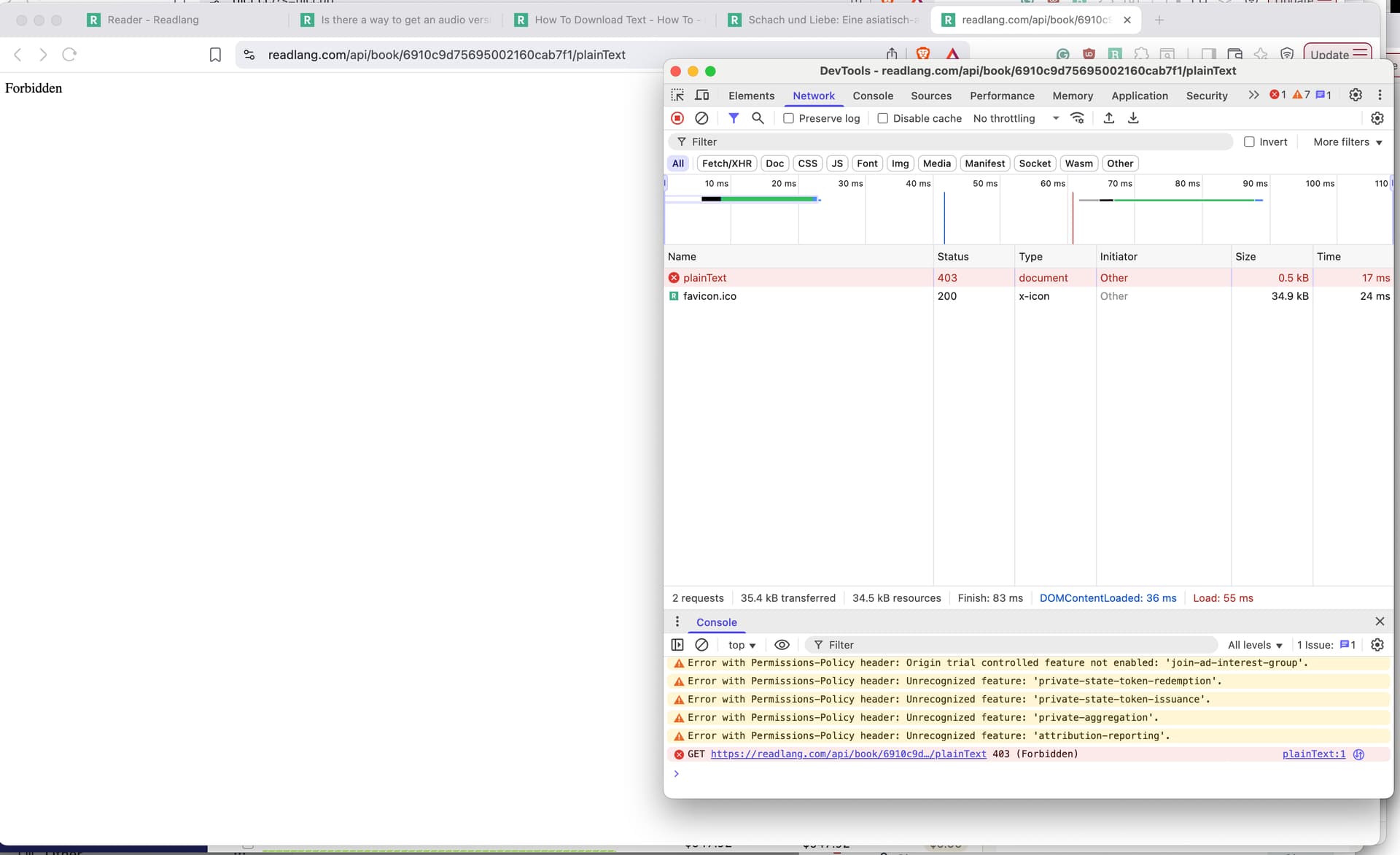
I’m getting forbidden:
I’ve also tried this:
$ curl https://readlang.com/api/book/6910c9d75695002160cab7f1/plainText
Not authorized%
Please make sure you are signed in to a readlang account on the browser you’re using. If it still doesn’t work then it could be that I need to change something on the backend, I’ll look into it on Monday
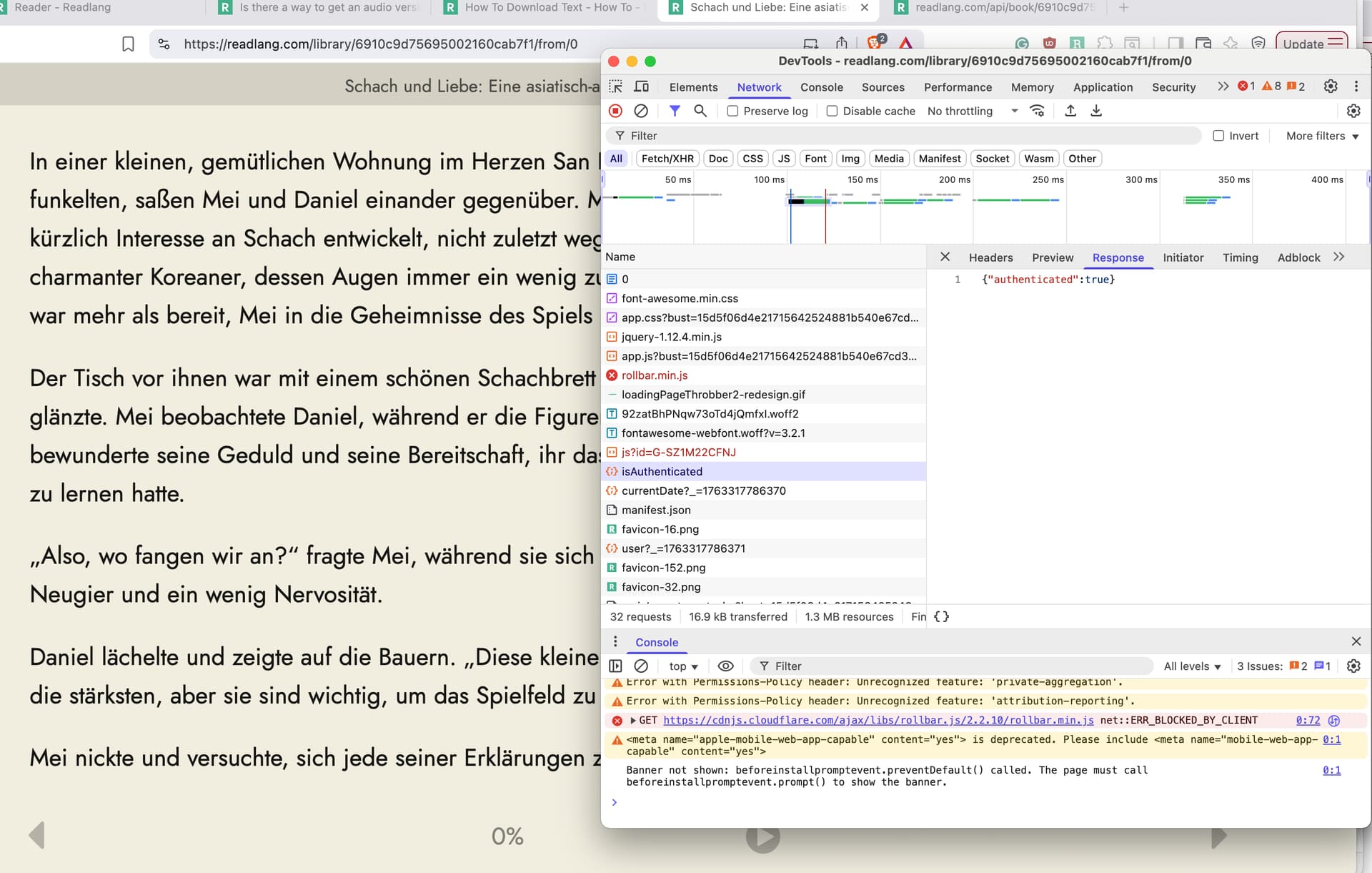
@Robert_Jewell Sorry about that. Please give it another try. It should work now.
Yep, works now. thank you!
1 Like
Hi. Is this feature still working? When I have a URL of the form /:bookID/from/0 and I change it to /:bookID/plainText, I get redirected to the same /from/0 URL. So I get the text split into chunks. I would love to have some texts to read offline  (I have looked for another post and saw the feature is not supported, but this would be a nice workaround). Cheers.
Note that the URL is more different than just changing the /from/0 bit at the end of the reader page URL, the internal URL to get the plain text is this:
https://readlang.com/api/book/:bookID/plainText
(and also, reminder that using the API in this way isn’t officially supported so this route is not guaranteed to remain)