Extension & Bookmark

How to benefit from the Explain feature while using the bookmark/extension, i.e. reading the content outside the main Readlang website? Is it possible?

Currently Readlang allows me translating my target language to the selected language of my choice when highlighting the word or an entire phrase on the page, however in a monolingual mode this particular feature isn’t the best fit, so the Explain feature comes in very handy with capturing the context.

Is there any way to trigger the Explain feature whilst browsing the websites with the Readlang extension on? It would be a massive W to be able to navigate websites written completely in a foreign language!
I agree this would be good to have.

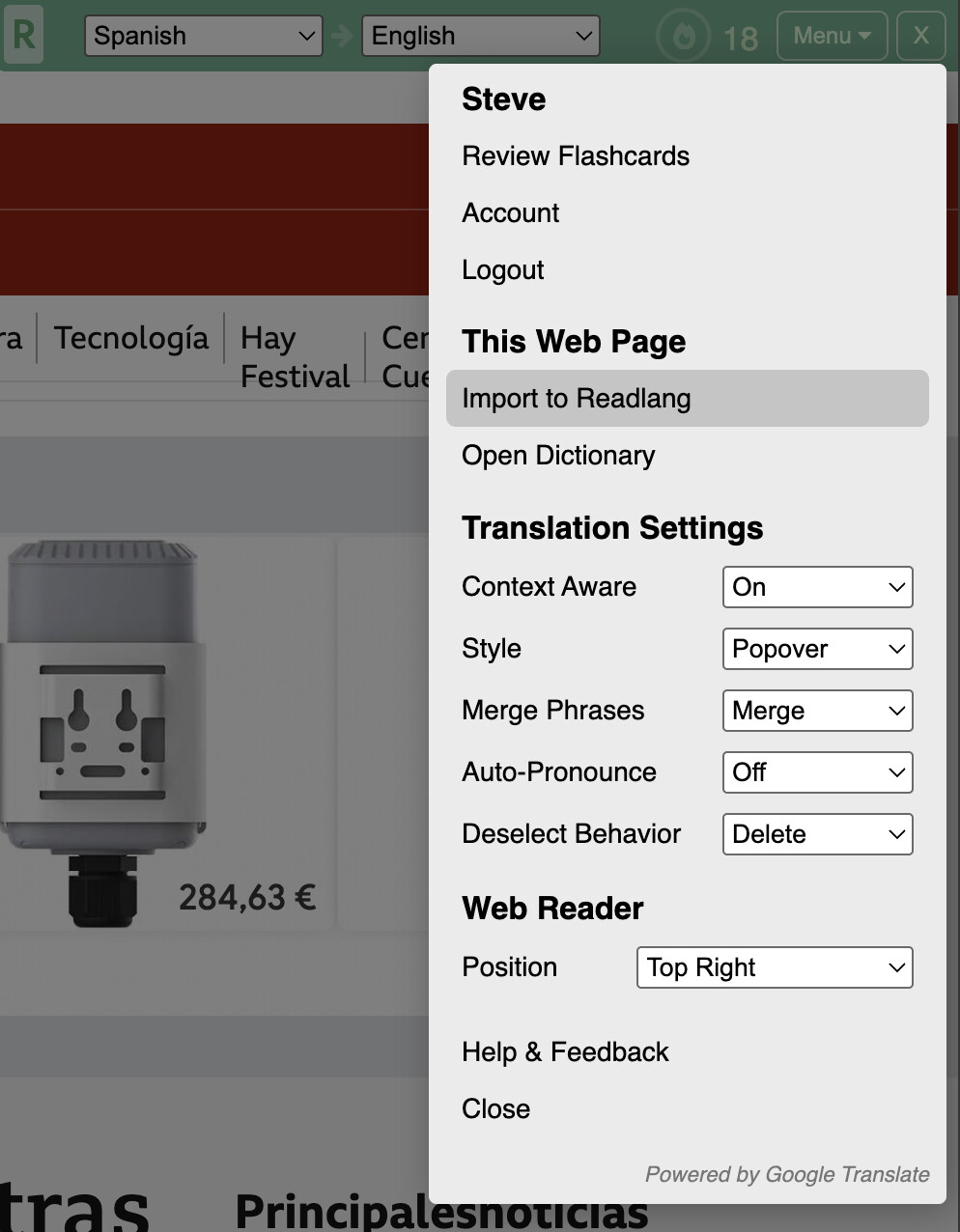
For now though, you can use the “Import to Readlang” option either from the Web Reader widget:

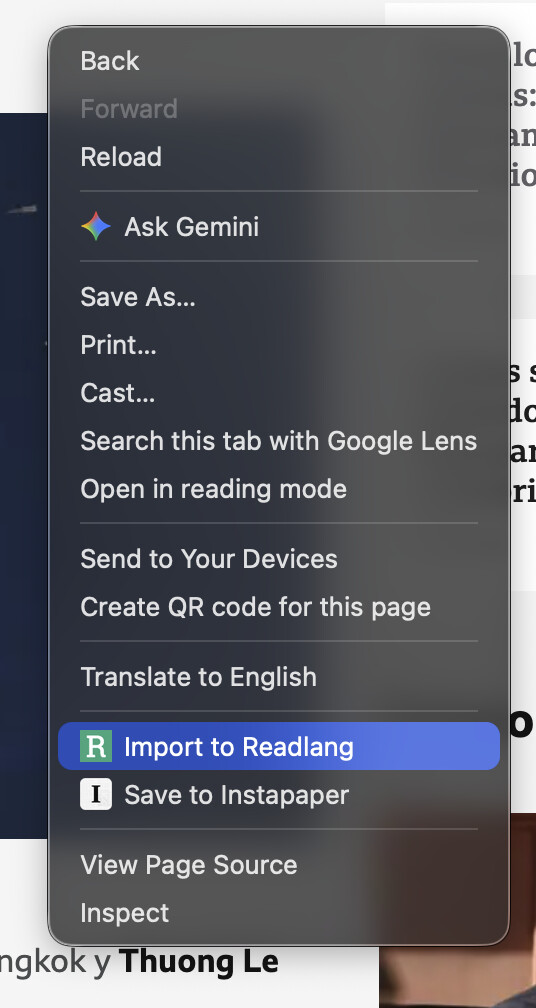
Or by right clicking the webpage itself with the extension installed:

Then you can read the article on readlang.com and get access to the explanations.

I haven’t explored this particular method yet, but I believe it’s a solid workaround for the structured pages at a cost of the overall flexibility.

In the meantime, I will indeed try to use this option as much as possible until the Explain feature is shipped.

Thanks, Steve!

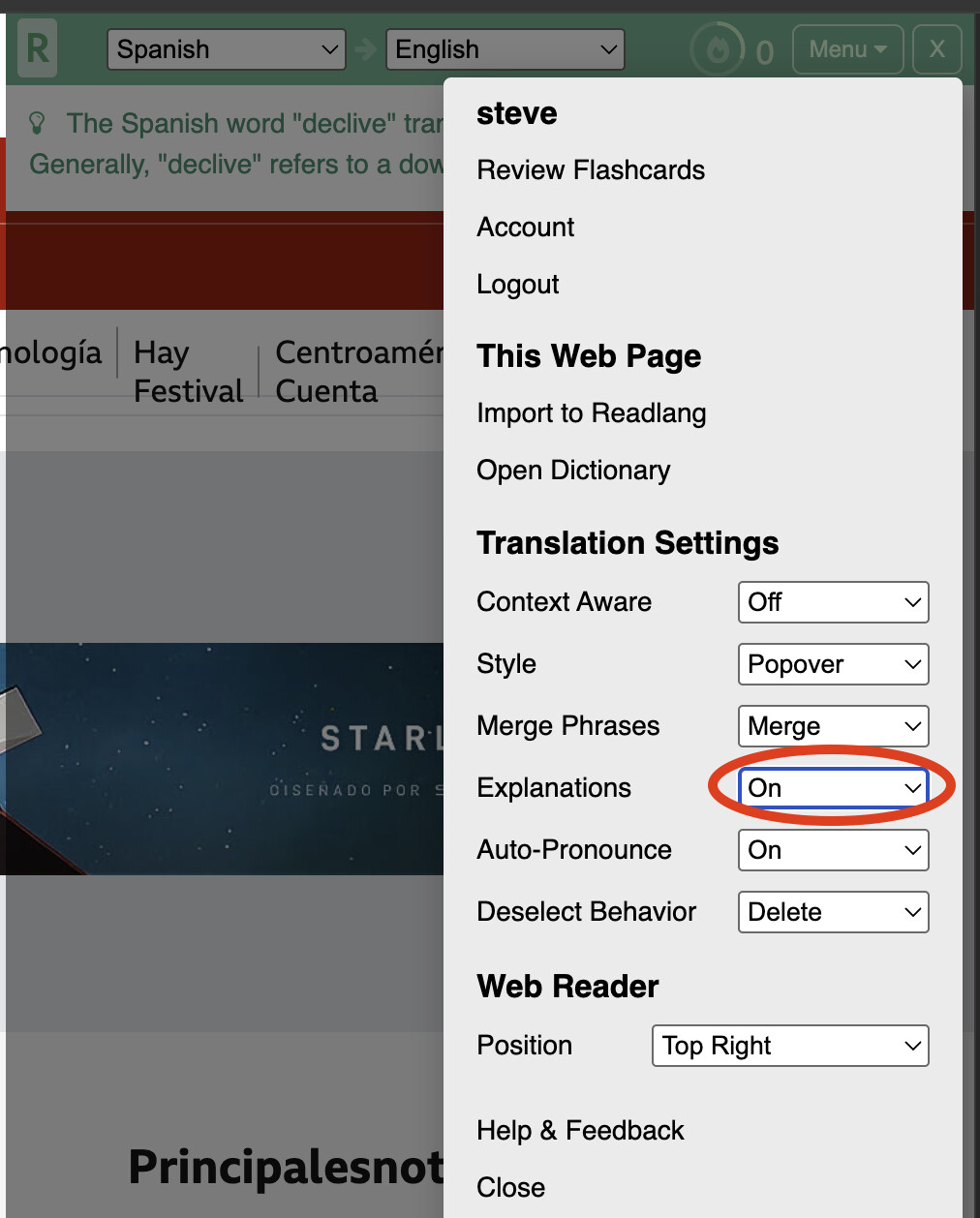
You can now use the Explain feature directly from within the Web Reader. Enable it here and let me know how it goes:

3 Likes