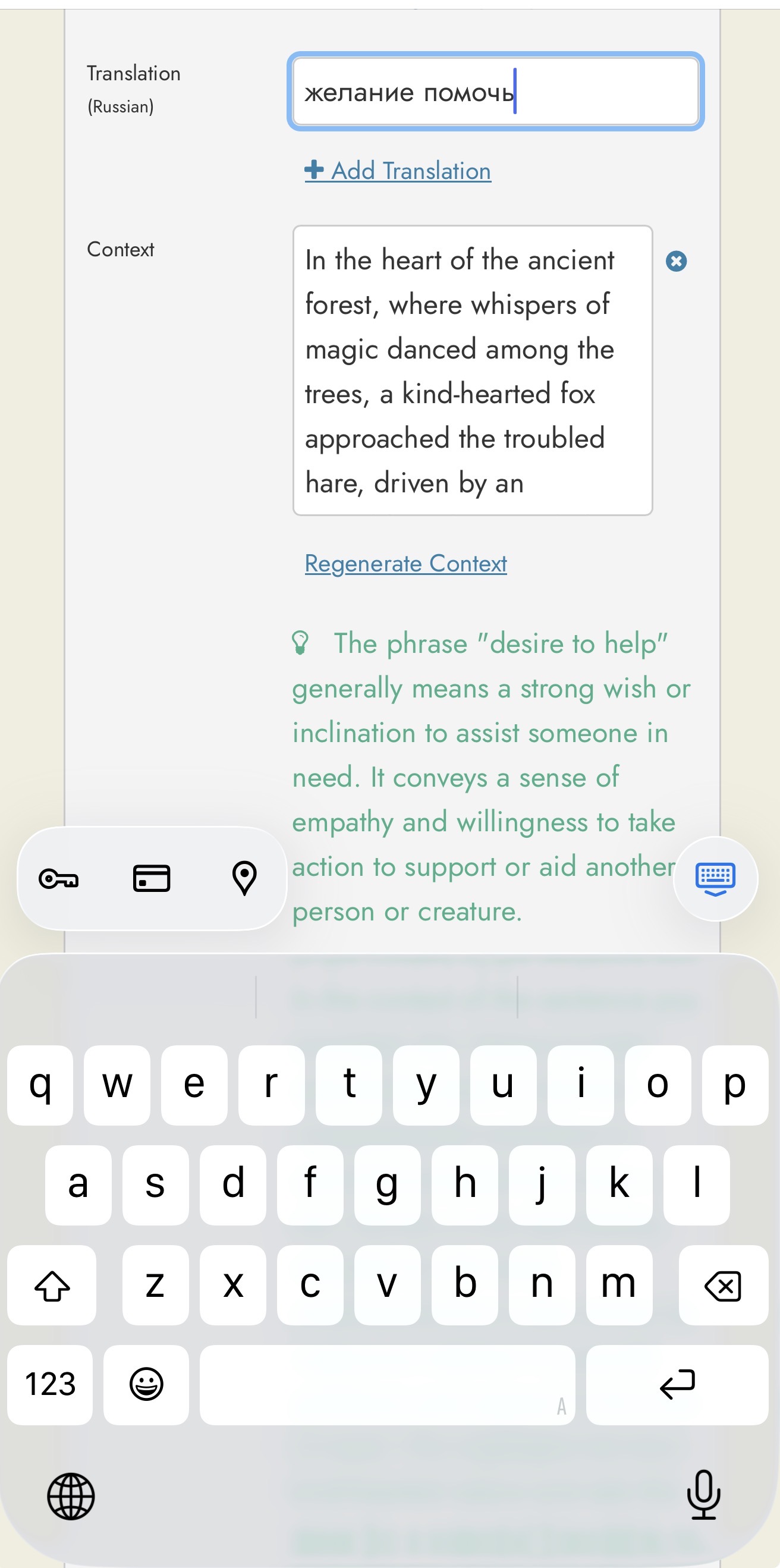
In my settings, it’s set that I know Russian and that I’m learning English. When I add a word to the dictionary, I can see its translation, and I can see example usage in English, but the explanation of what the word means is also in English. Is there any way to change that to Russian? Because I have to translate the meaning of the word too, and it often loses its sense. Thank you for any help
On iPhone or iPad, probably Android also, highlight select the text, and then a menu appears. From that menu, choose “Translate” and select the language for the translation.
1 Like
In that case, the translation is done either by Apple or Google. And that translation very often leaves a lot to be desired 
Yes, that’s true, standard default translation APP for iPhone & iPad is Apple or Google. Instead, I added DeepL, and I’ve found that it is very precisely helpful including also alternate translations of sentences.
1 Like
Thank you for you help. I’ll try it. It’s can be good idea 
1 Like
Just in case someone else is reading this, please see my response to a similar question in this thread: Feature Request: Explain section in secondary language, not target or native - #5 by Steve
Hi Steve. Thanks for helping with this question. It’s wonderful that the option is available on your website. I tried finding the same option on your APP for Readlang, and it’s not there. I’m sure Readlang’s translations are better than DeepL’s, and it would be helpful to have the same option with the APP. Is it possible to add the option for the APP also?
What app are you referring to? If you mean the Chrome & Firefox extensions, then the explain feature has been added there now. If you are referring to an app on the iOS App Store or Google Play store, it isn’t an official Readlang app since Readlang doesn’t (yet) have an app in either of these stores.