Has anyone learned any hacks to improve their experience with Readlang?
In my case, I’ve been using Claude or GPT 4.1 to fix typos in YouTube videos that were auto-transcribed. This is a big problem in Korean, as most videos don’t have proper transcripts.
3 Likes
This is what I do with YouTube videos:
- When there’s a proper uploaded transcript.
These often (always?) have linebreaks in the middle of sentences. I get rid of these with Textfixer line break remover, a free online tool. This will produce a block of text, but I use Readlang’s own Sentence break feature (in the AA page) to split them up.
- When there’s an auto-generated transcript.
These are usually fine for my purposes, especially when the texts are at about my level. The text is already broken up and easy to read. If this is not good enough, however, I use one of the two methods in 3.
- When there’s no transcript
I use one of two methods here:
a) I upload the video URL to the online service Turboscribe - theoretically three videos of up to 30 minutes a day in the free version, but it doesn’t always work out that way.
b) I record the video sound, using Audacity (I can be doing something else while it’s doing its thing). This gets converted into an mp3, which I upload to Readlang, which turns it into a usable text. This is a little fiddly, as I then have to copy the generated text to a new upload, deleting the audio version, so that I can connect it to the video. But it really only takes seconds
Both these methods will produce a block of text, so again I use Readlang’s Sentence Break feature.
2 Likes
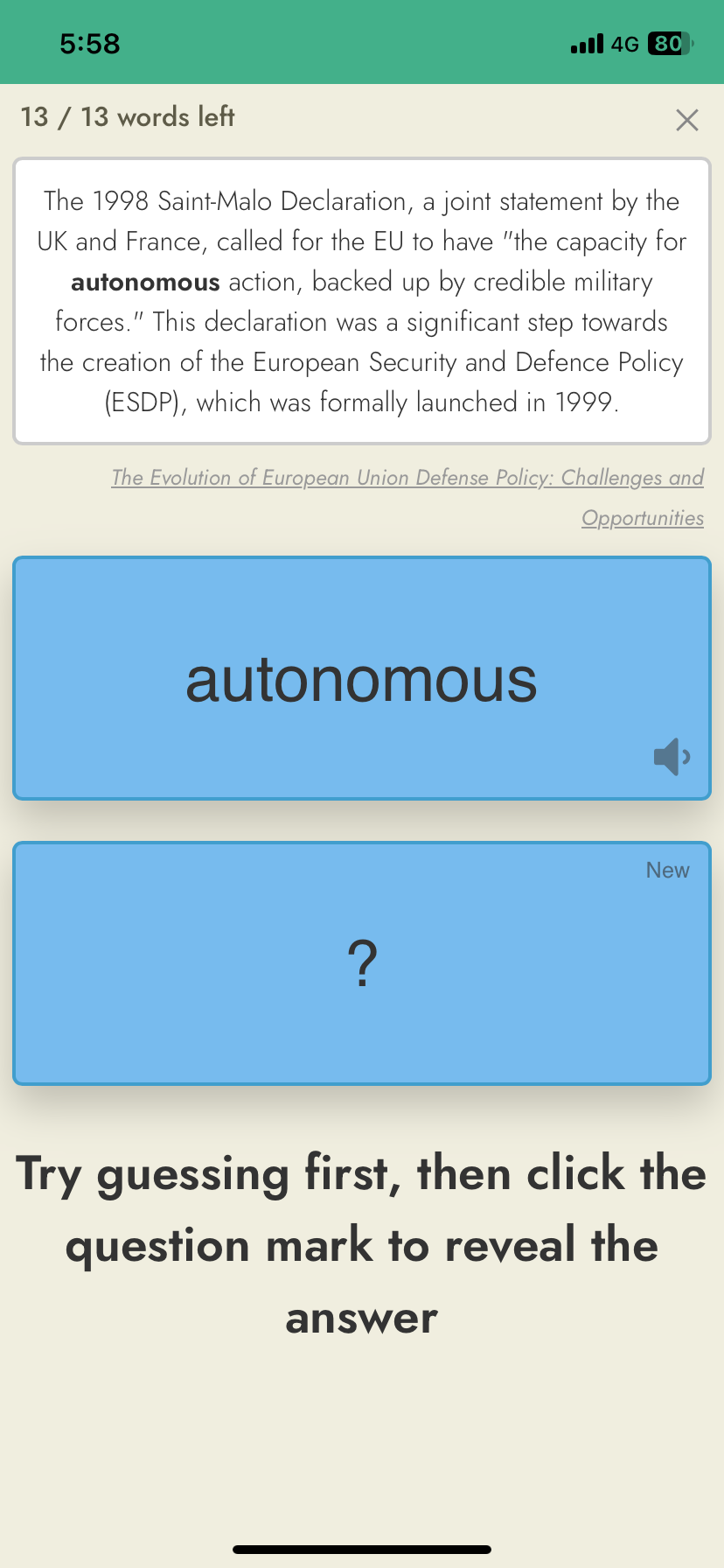
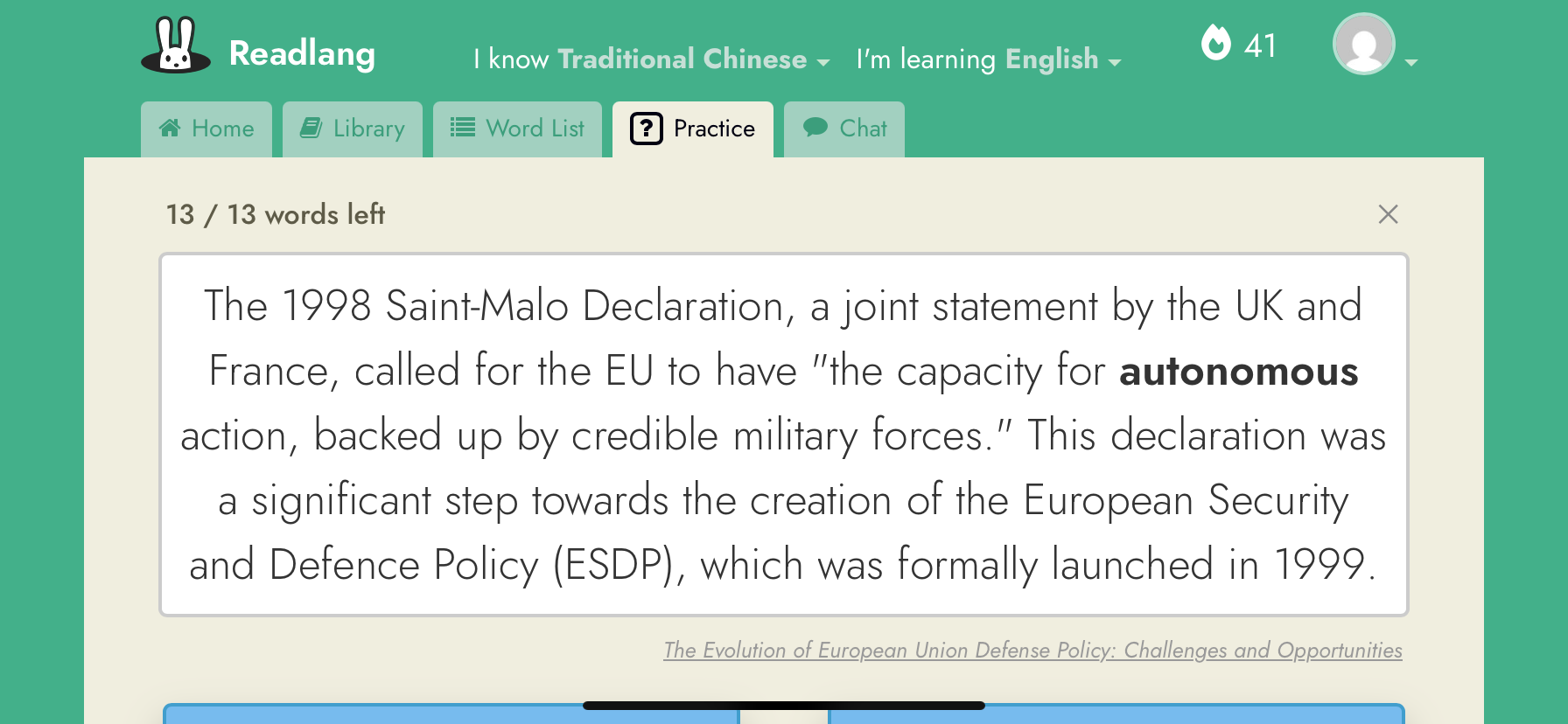
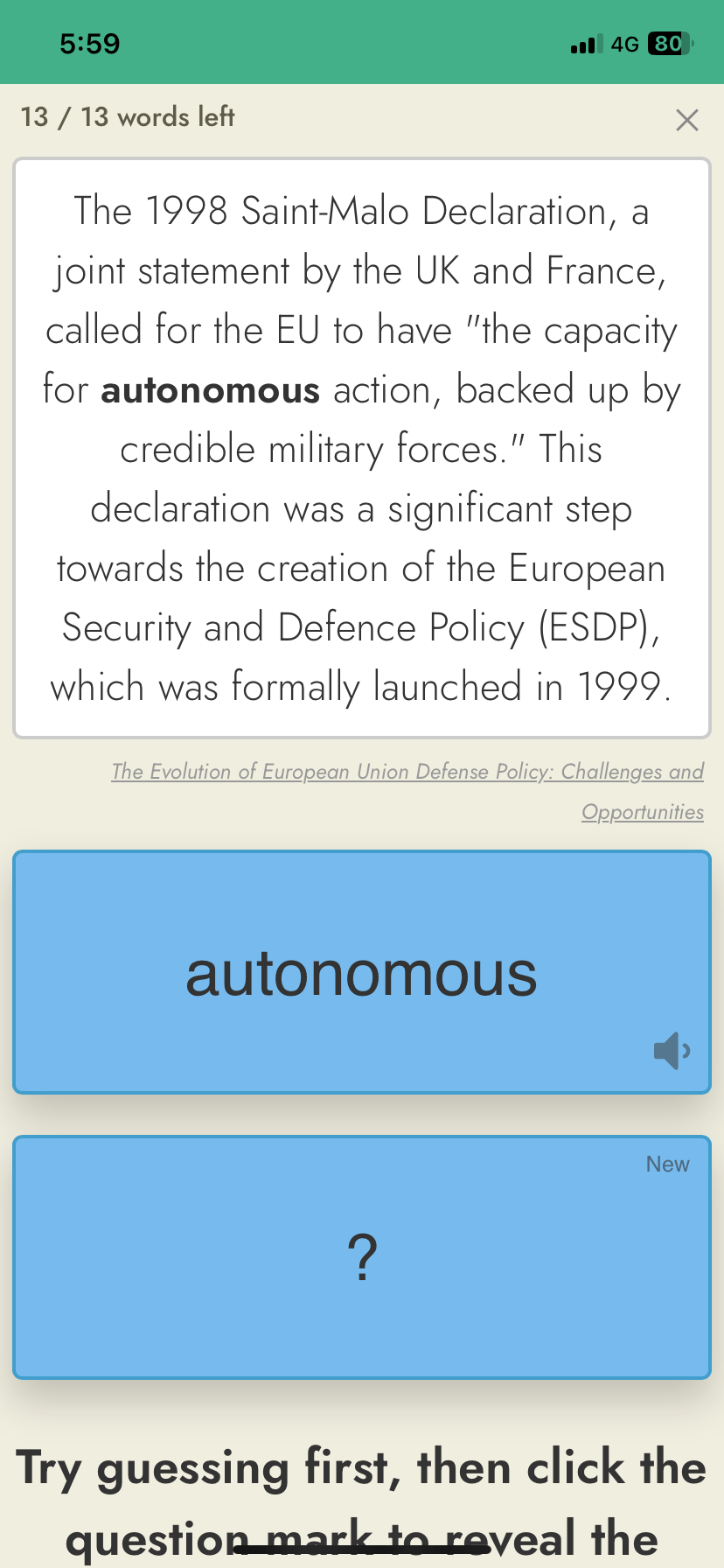
I actually have a very good one with the mobile (app?). In flashcard mode, you can make the sentence example bigger by rotating your phone.
before
rotate to the side
after (rotate back)
Converting Google Play and Kindle books to read on Readlang
I know there are more technical methods involving Calibre and DRM removal, but I prefer to use a rather simpler method, which although admittedly not instant, only takes a couple of minutes per chapter. I do it one chapter or story at a time, as I’m reading.
I open the book in the largest tablet I have (11 inches), reducing the print size quite considerably to reduce the number of pages.
Then I take a screenshot of each page, and upload them to Google Drive. In Google Drive, you right click on the unopened jpg file, and choose “Open with Google Docs”. For each screenshot, it will generate a document with the image, and below it a generated text in copiable form. I then copy and paste these into a new document with the whole chapter, or short story or whatever.
You’ll probably want to do a quick tidy up of those words which are hyphenated where they were spread over two lines. But as Google Docs highlight these anyway, it doesn’t take long.
And then I upload it to Readlang, usually listening along as I read, or sometimes I simply use it as an audio book.
1 Like