Lately I have been using readlang, to read alongside physical manga.
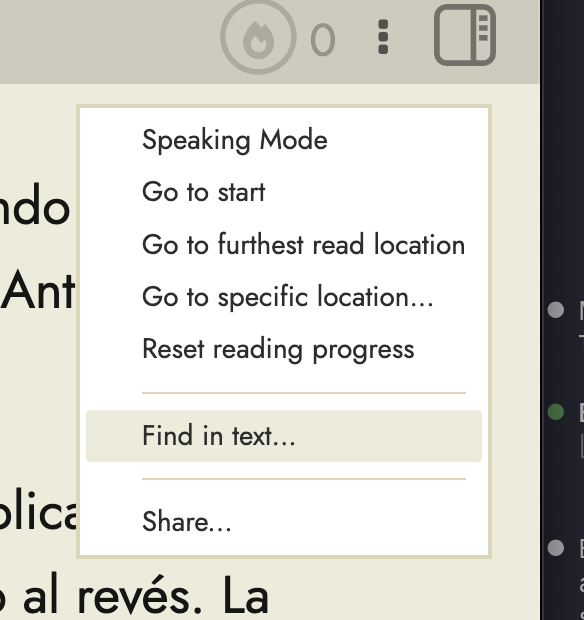
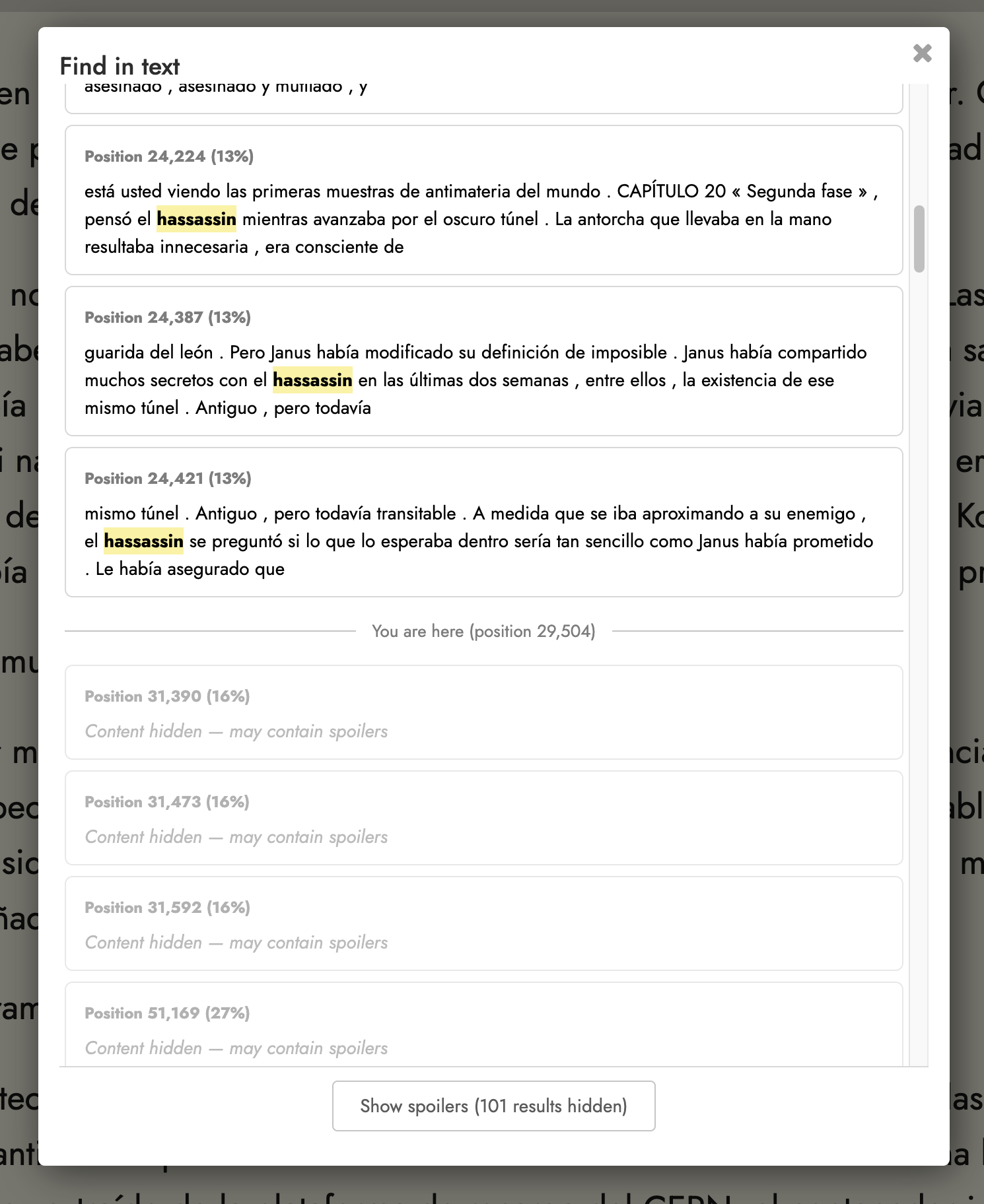
As a way to spend less time jumping between looking at the screen and looking at my book, I have been using the F+command button to quickly find the word within the transcript.
It seems to work sometimes but not others I don’t know if this is because I happen to be near the page with the word by coincidence and therefore its able to find the word so that i can highlight it and later use as flashcards.
Basically what im asking is, is there a mode that displays the entire transcript like a scroll mode or something?
There’s no scroll mode at the moment. Partly for technical reasons. Readlang is optimized for very long texts (novel length) and to be just as fast and responsive on those texts as for shorter ones, and putting texts like that in a massive scrollable display allowing the normal browser ctrl+f search function would really slow things down a lot, at least the way it’s currently engineered. A while back I did try allowing shorter texts to switch to scroll mode (like the synced YouTube videos) but hit some bugs and so abandoned it, but that’s something I might consider revisiting.
I understand the reason to not offer scrolling. But would it be possible to have an option to get the last 1-3 lines from the former page to the next page? Not everyone wants this, so it would have to be a choice. But it would help to get one phrase on the same page, for beginners who already have a hard time remembering the words on the line above etc.