This bug appears when I’m trying to create a new text on mobile. In my case it’s iOS. To reproduce the bug:
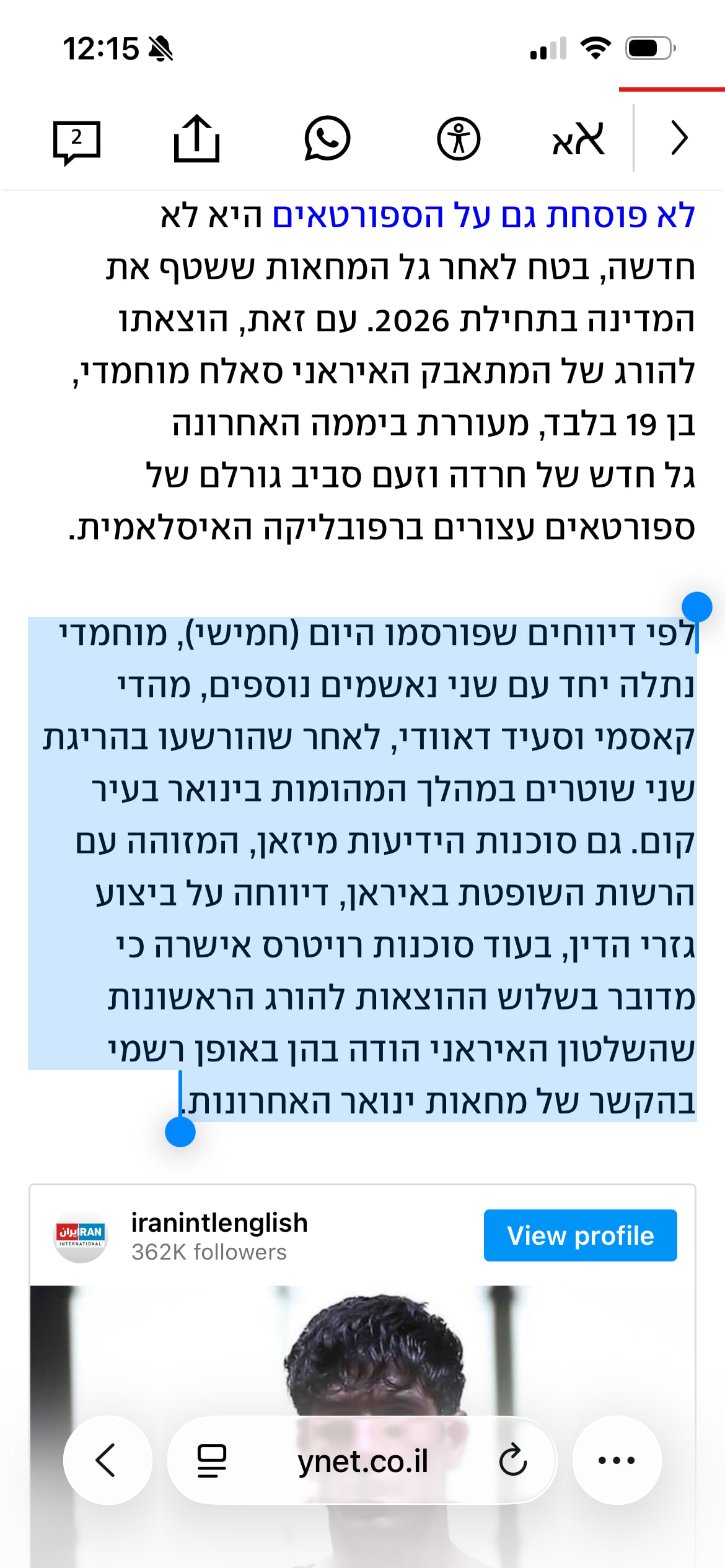
Copy some text to the clipboard.
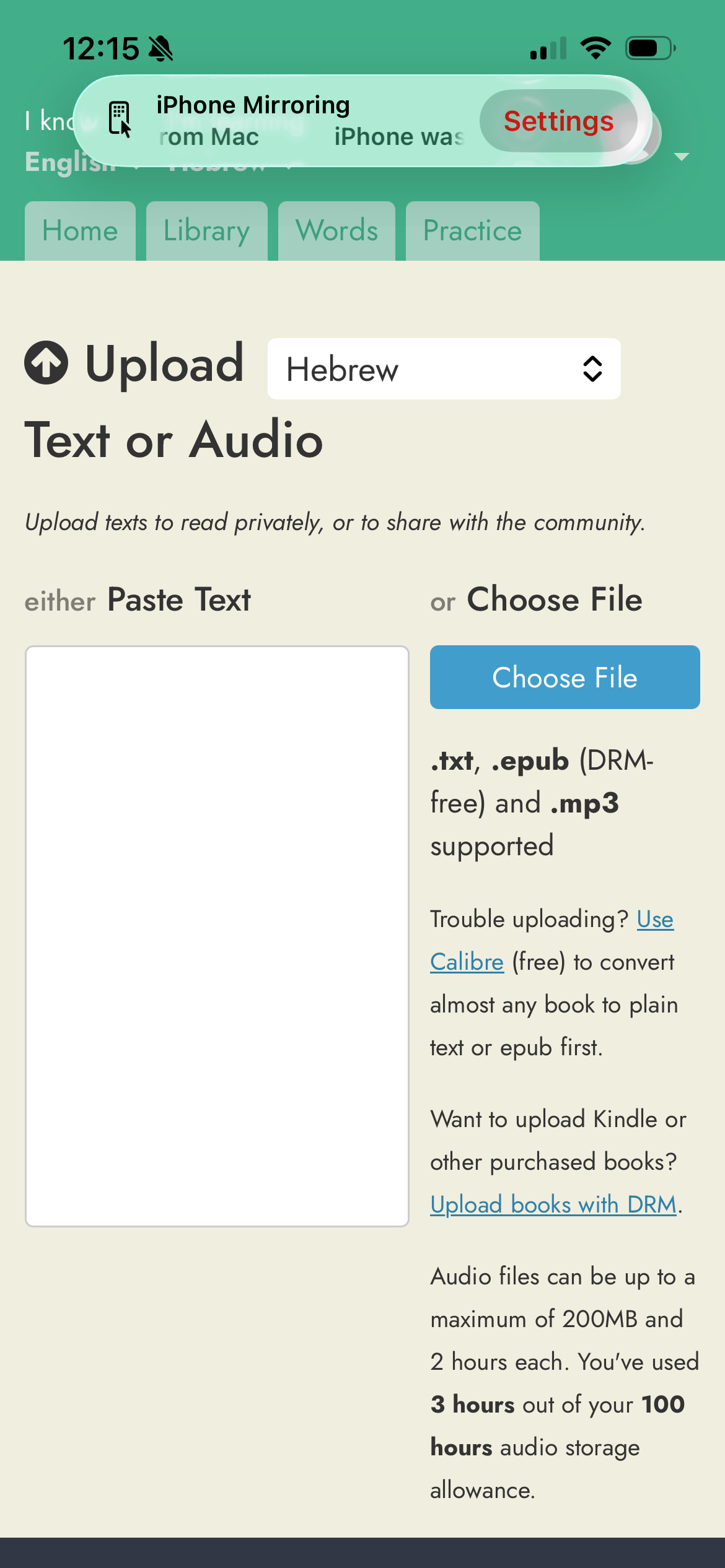
Open the mobile app and choose upload text.
The “Paste text” box is empty.
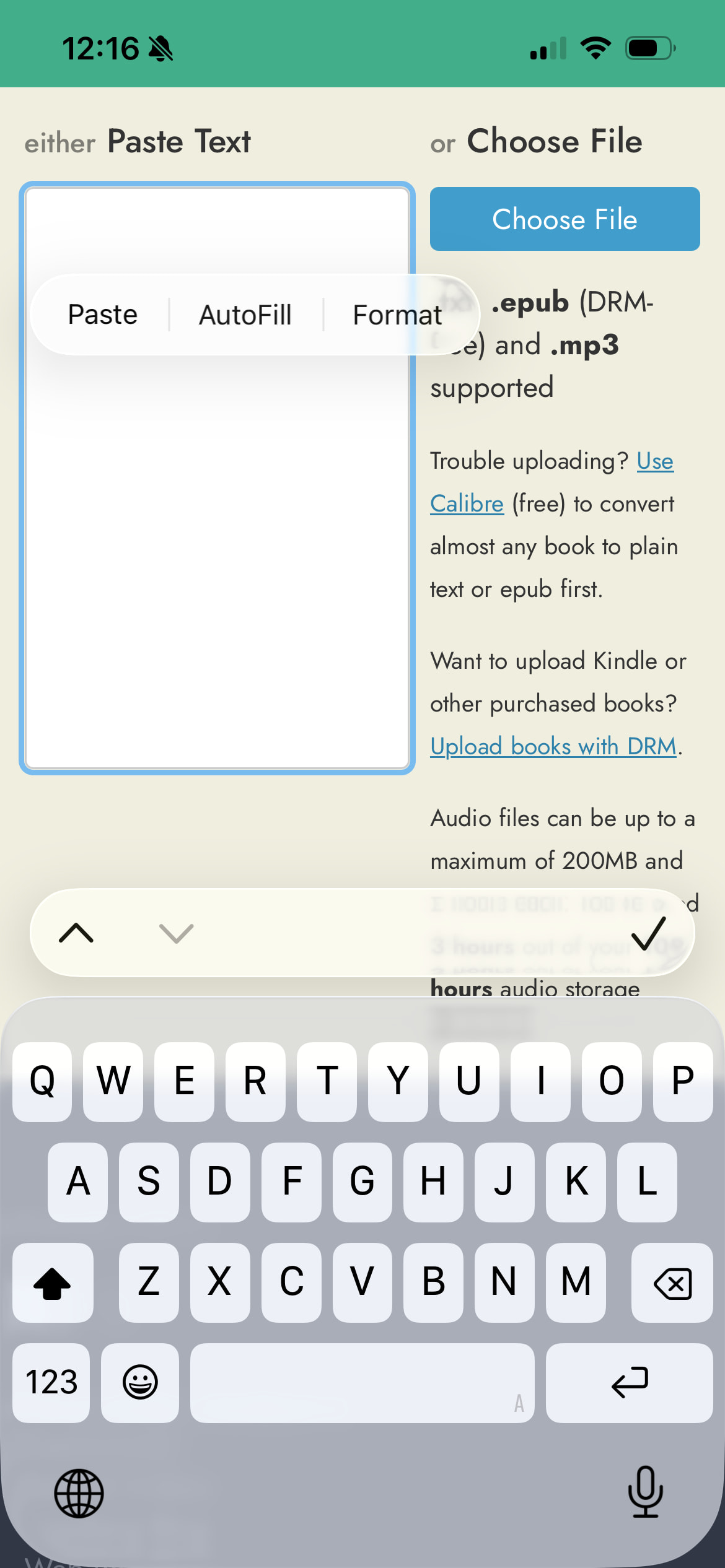
Paste the text in the box.
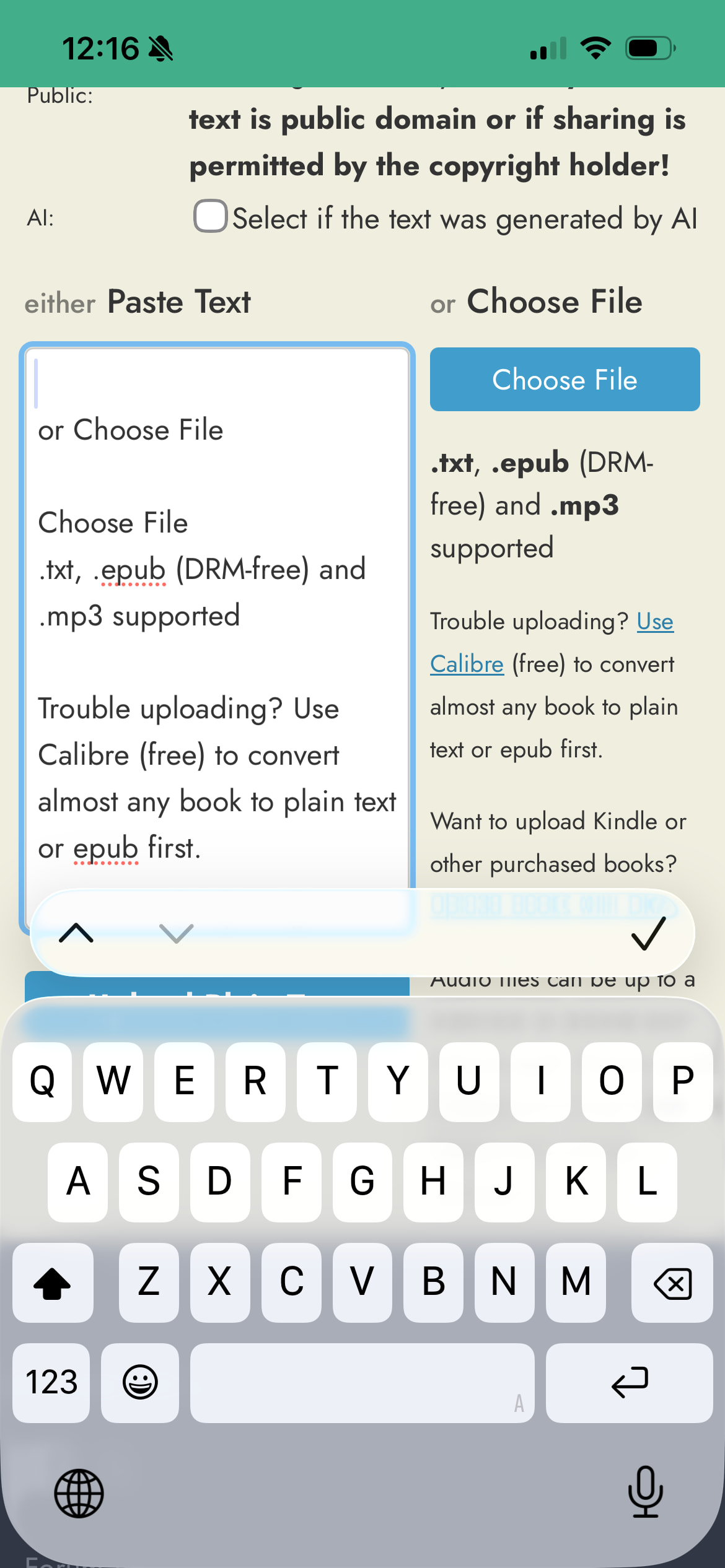
After the text is pasted a bunch of text is added before the language content that contains instructions about media files. I’ve had this extra text also inserted when trying to edit a new text on mobile.
Sorry I still can’t figure out what’s going on here. Is it possible you might have accidentally copied the contents of the Readlang upload page itself before pasting?
…did you definitely select “Copy” from the popup menu before going to Readlang to paste it?
I just tested this again on my iPhone in both Chrome and Safari to see if there was a weird Readlang bug which caused this, but copying and pasting from other websites is working for me.
I just tested it again and I am still getting the issue.
If I copy text first and then go to Readlang to create a new document when I try to paste all I get is the Readlang message.
If I open Readlang first to start the process, then switch to the site and copy text, and then switch back and paste I get the copied text plus the Readlang message.
I am using the Readlang site saved as an app if that makes any difference.