First of all, thanks for the great app! This is exactly what I was looking for! I was afraid I’d need to (vibe) code it by myself. I was relieved and happy to join the circle of subscribers today
I miss one small feature: I’d like to quickly save a word or phrase I just translated it. I’d replace the button “Edit word” with “Save” button that would store the word/phrase in my Word list.
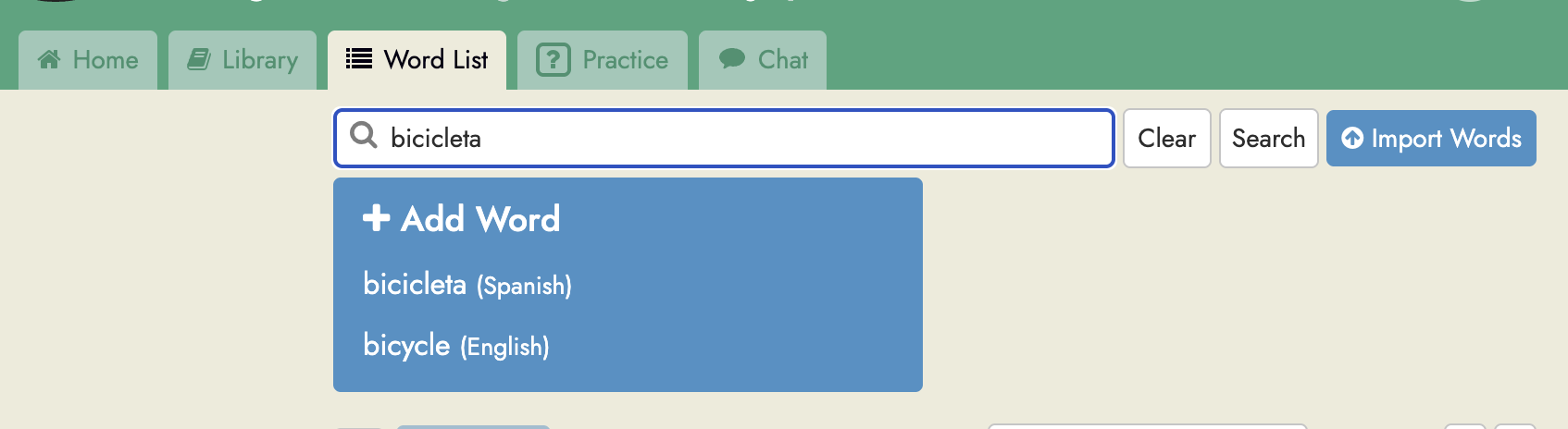
Not sure I fully understand. If you want to save a word you just encountered while reading that’s simple since just by clicking to translate it it will automatically be saved. If however you want to save a word you encountered elsewhere to Readlang, what you can do is open the Words tab, type your word into the search box:
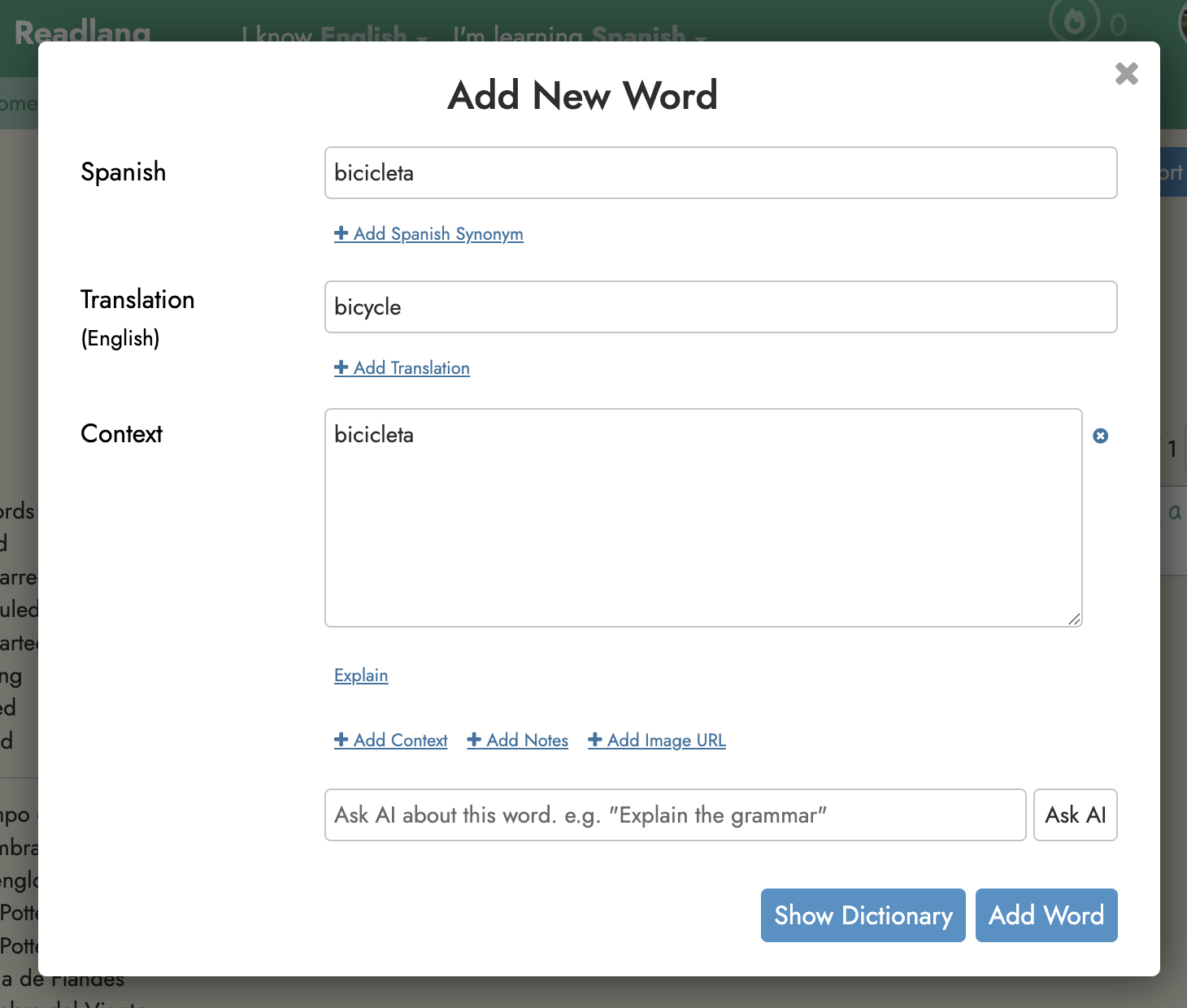
And if the word isn’t already in your list then a big “+ Add Word” button should appear. If you click it you can save the new word from this dialog that will appear:
Thanks for the response and sorry for being not entirely clear here.
My point was I would like to have a dedicated “Save” button. Having all the words and phrases I’m looking up saved automatically forces me to revise them later - a step I would like to avoid.
Ah, I see. You might like to make use of the “Delete on untranslated” feature: Delete Flashcards While Reading - Readlang Blog. It’s not exactly what you’re asking for but it does allow you with just one extra click to delete it by un-highlight it. (This setting is enabled by default.)