### 1.
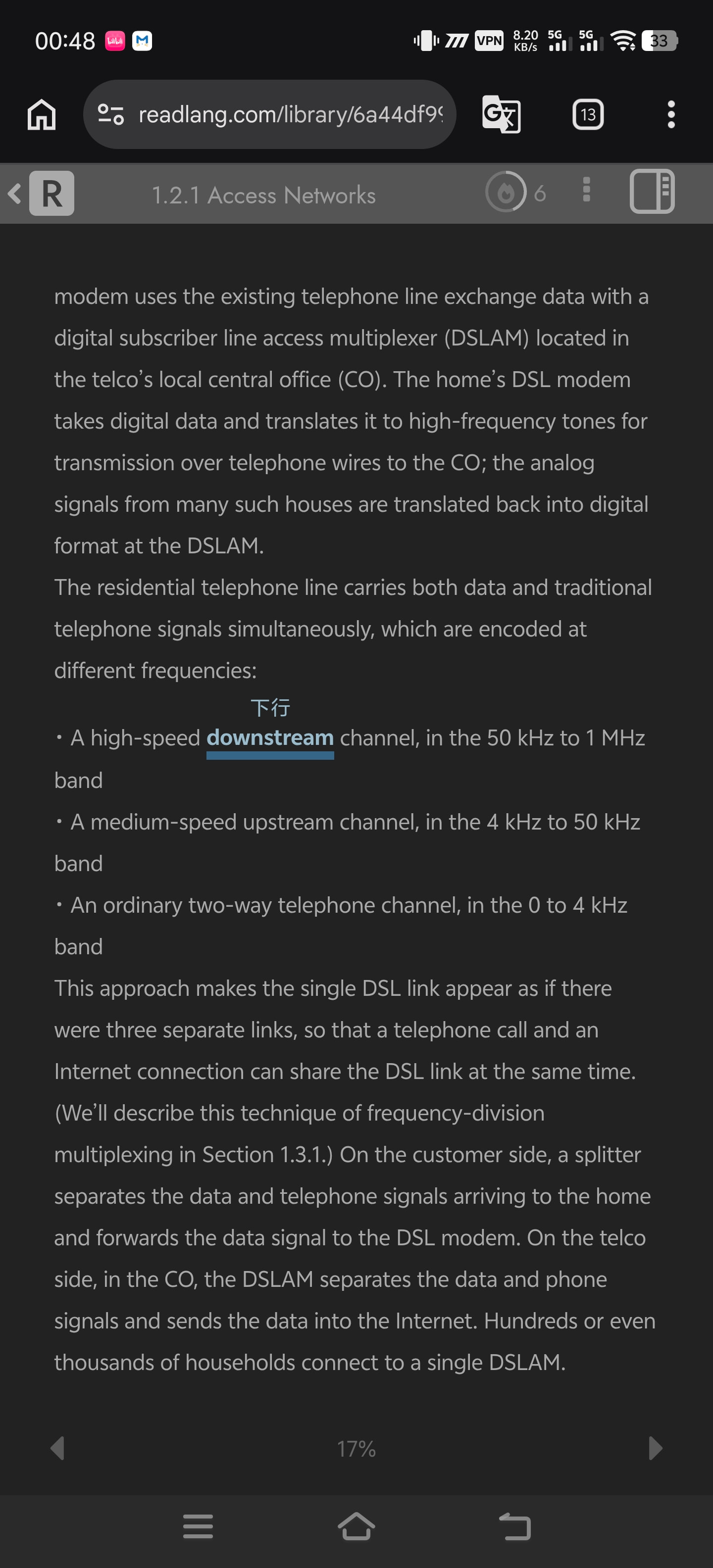
I observed that in the “underline” mode, the impact on typography is already the smallest—compared to the other two options, it takes up less space and is less likely to push the bottom text to the next page. But I wonder why we can’t change that thick line into a thin line, and shrink the translation font size to insert it into the gaps?
Originally, I really wanted this software to have a scrolling reading feature, simply because whenever I want to look back at the previous content on the page, I find it has already been pushed to the previous page. If I flip back, everything gets messed up because all the translations reset, making the layout more compact, which makes it very hard for me to find where I last read. Also, if a sentence is broken up at a page break, it is hard for me to see the whole sentence completely.
However, if scrolling is not added, simply letting the translations not mess up the typography would perfectly meet my requirements—at least it would keep a piece of text in the same position consistently. For aesthetics and to avoid looking crowded, the translation font could be shrunk while slightly lowering its opacity (just a small suggestion).
### 2.
Additionally, I observed a phenomenon: if I don’t do any operation on a page for a long time (often less than 2 minutes!), then when I click a word again, the time it takes to translate becomes much longer, around 8 seconds, whereas it used to be less than 0.5 seconds.
Thank you, author, for making such a practical software; it has improved my reading ability very quickly. But now, when I don’t need to look up words most of the time, having to wait so long for an occasional lookup is honestly quite frustrating.
### 3.
Next is the “explain” part, where I want to add a feature to look up words within the text. I think if this contradicts certain principles, we could actually add a shortcut at the bottom of the translated explanation. This could quickly upload that content, create it in the library section, and open a new tab to let me jump in. This would also be a great solution.