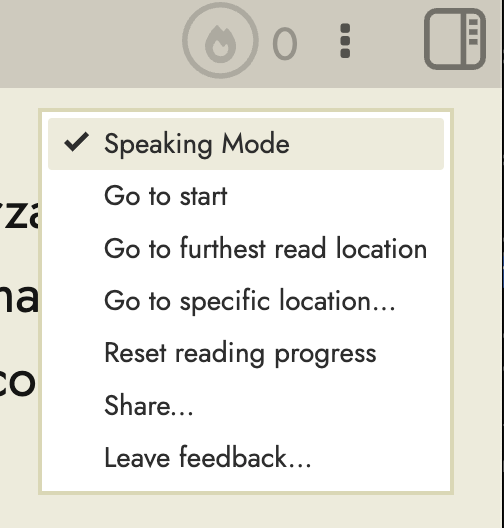
If I listen to music while reading, looking up a word automatically pauses the music due to the TTS. It would be nice to be able to read without any TTS at all on lookup.
If I listen to music while reading, looking up a word automatically pauses the music due to the TTS. It would be nice to be able to read without any TTS at all on lookup.