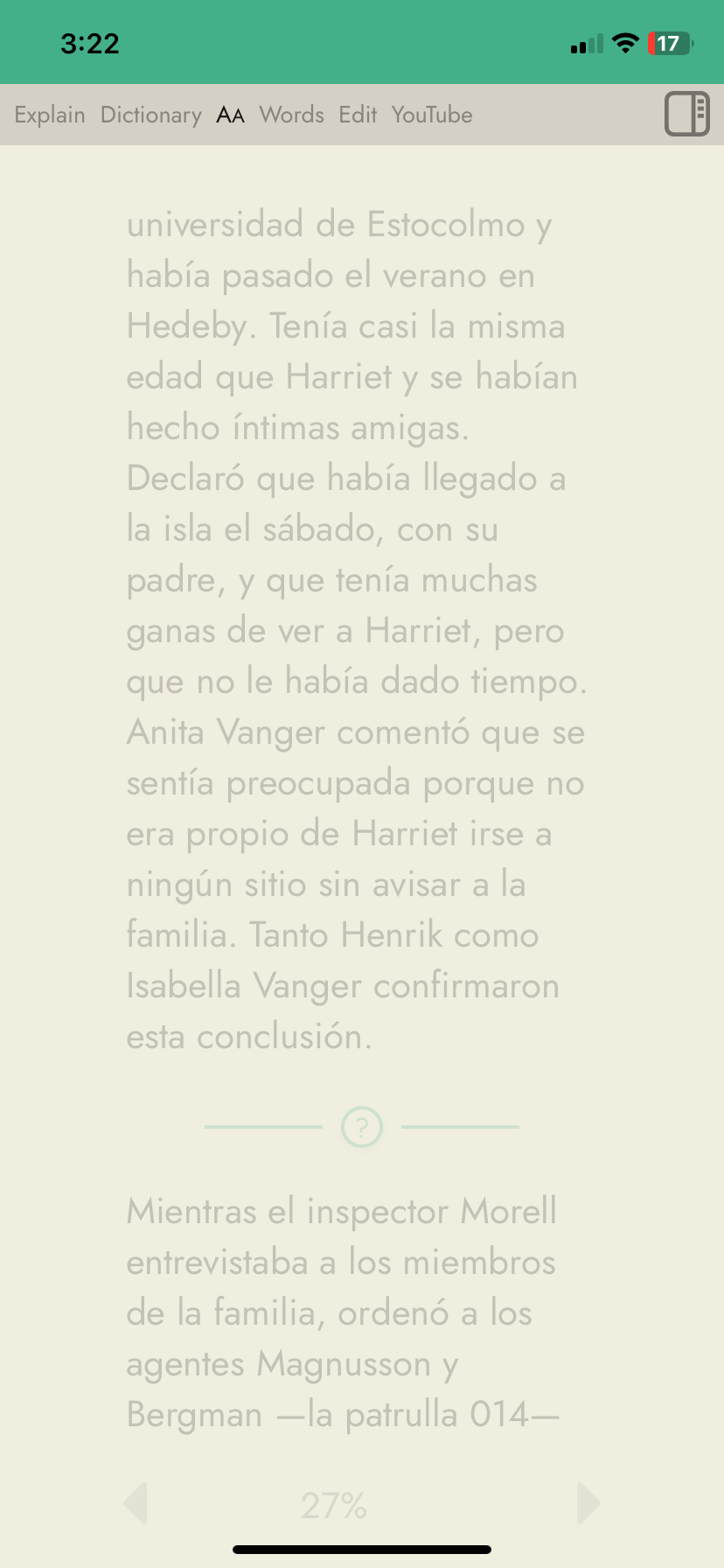
Hi, Steve:
It looks like the formatting isn’t accessible within the reader. Attached is a screenshot.
Hi, Steve:
It looks like the formatting isn’t accessible within the reader. Attached is a screenshot.
I noticed this just now, too and came here to check if someone had reported it. Seems to only affect YouTube imports for me (only tested on desktop, not mobile). My normal books still let me access that panel just fine.
It also seems like now words that I click on in the YouTube imports translate directly inline, instead of above the line and leaving the original text intact. I am assuming this is a bug (or maybe it’s intended, but I’d like to disable it if so, and since the Aa tab isn’t working, I can’t look for a way to do that  ).
).
Heh. Yes, I’m experiencing the same, re: translation replacing the original word. Would like to change it back to the old way, too.
Haven’t checked on desktop yet, but it’s not working on mobile for me.
Sorry for these issues.
I’ve tested the AA formatting tab on my mac and iPhone and it’s working fine on those. Is this on an Android phone? I’ll try testing on an Android device tomorrow.
Note that if you are seeing a translation replacing the original word it sounds as if you have “Replace” selected within the Translation Behavior section of the AA tab. If you change it to “Highlight” it should go back to normal. Sorry if you can’t use the AA tab right now but if you can manage to access it on a different browser or device then you can change the setting there, and since the setting is saved to your account, when you return to your main device and re-open Readlang there, it should then have the correct setting.
I’ve just released an updated version which should fix the AA tab. Please refresh your Readlang tab to get the update, and please let me know if you notice any other problems.
It was on iPhone in Safari, Brave, and Chrome. All looks to be working now, though.
Thanks, Steve!